69D-Link COVR-C1203 User Manual
Section 4 - Adding Additional Covr Points
Adding Additional Covr Points
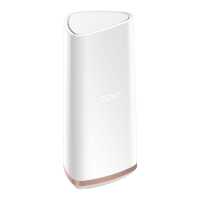
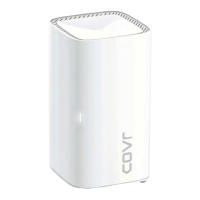
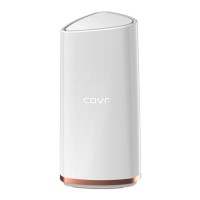
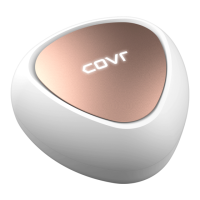
Covr is a scalable solution. You can add additional Covr Points at any time to increase coverage in your home whenever you
need to. Adding more Covr Points is a quick and easy process. You can add up to 3 additional units, for a combined total of 4
Covr Points.
Using the D-Link Wi-Fi App
You can easily add additional units using your mobile device. Refer to the steps below to learn how to add more Covr Points to
your Covr network using the D-Link Wi-Fi app.
Step 1
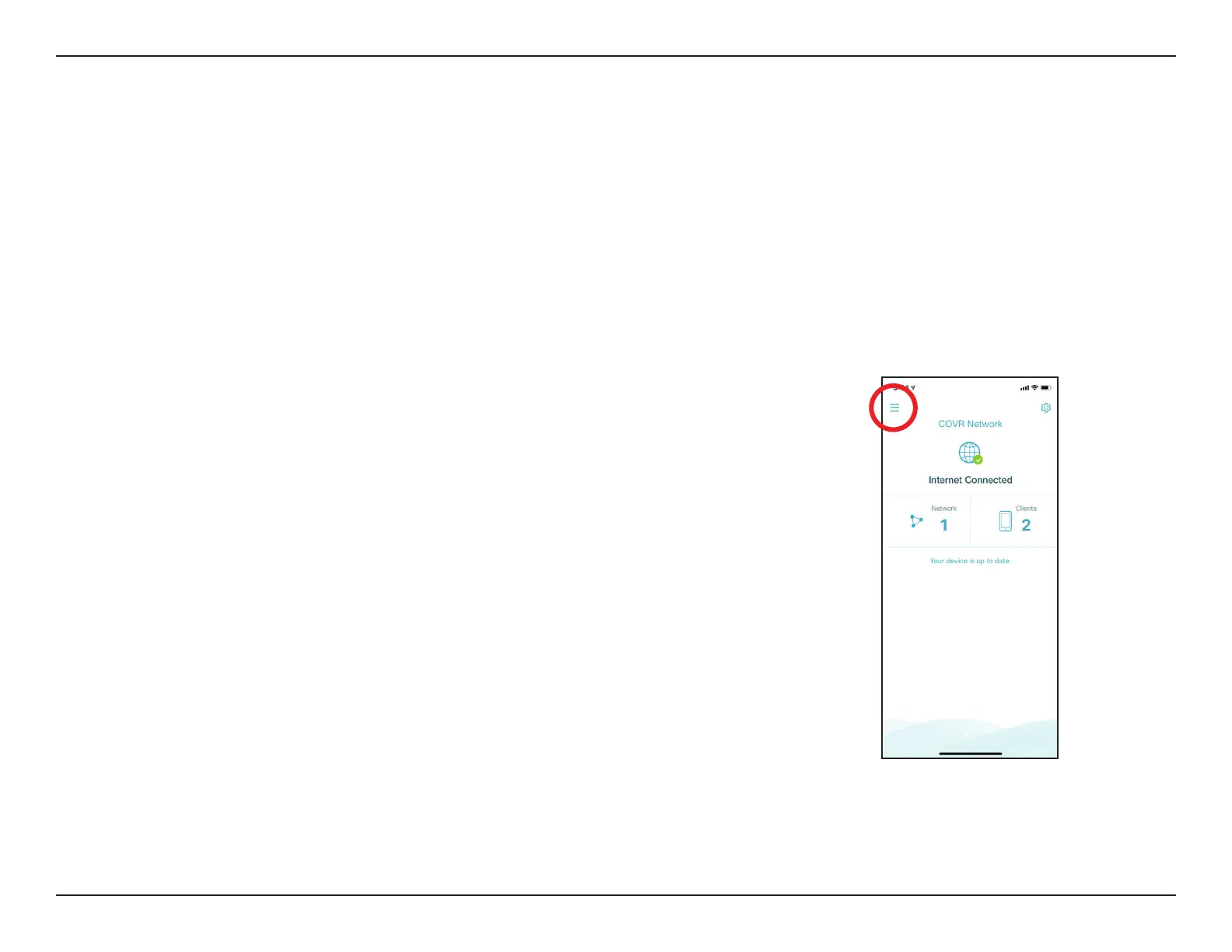
Open the D-Link Wi-Fi app, then tap the menu icon in the top-left to open the
app menu.






 To Next Page