15D-Link COVR-C1203 User Manual
Section 3 - Conguration
Extenders
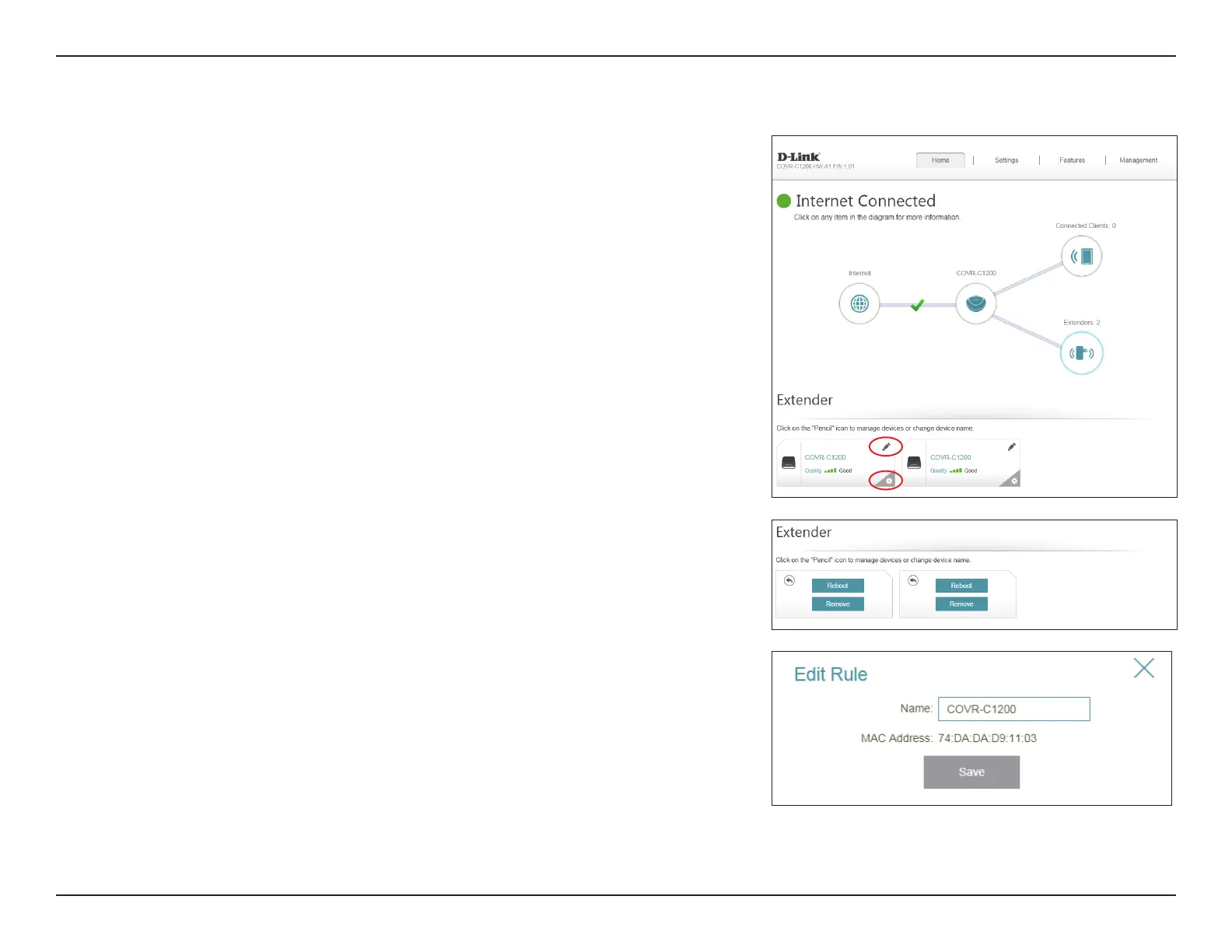
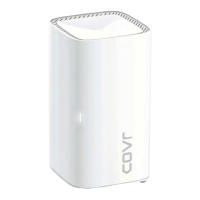
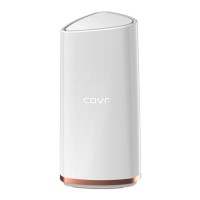
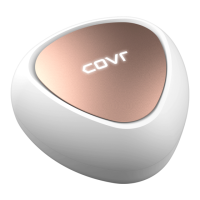
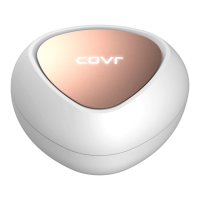
Click on the Extenders icon to view details about all additional Covr Points in
your Covr whole home Wi-Fi network.
To edit a Covr Point’s name, click the pencil icon in the top-right of the box of
the Covr Point that you want to rename.
To reboot a Covr Point, click the settings icon in the bottom-right of the Covr
Point's box and click Reboot.
To remove a Covr Point from your Covr Wi-Fi network, click the settings icon in
the bottom-right of the Covr Point's box and click Remove.
Name: Enter a name for the Covr Point.
MAC Address: Displays the MAC address of the Covr Point.
Click Save when you are done.






 To Next Page