70D-Link COVR-C1203 User Manual
Section 4 - Adding Additional Covr Points
Step 2
From the app menu, tap Install New Device.
Step 3
Next, select Scan the QR code and scan the QR code located on the Quick
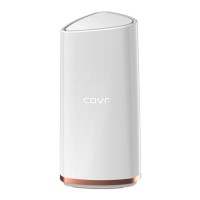
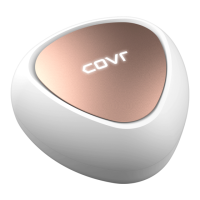
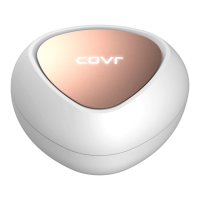
Installation Card of the new Covr Point.
You will now be guided through a step-by-step process for setting up the new
Covr Point. Simply follow the on-screen steps to complete the installation
process. Repeat this process to add additional Covr Points.
QUICK INSTALL CARD






 To Next Page


