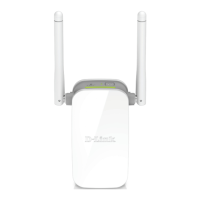
DAP-1330 Install Guide 5
4
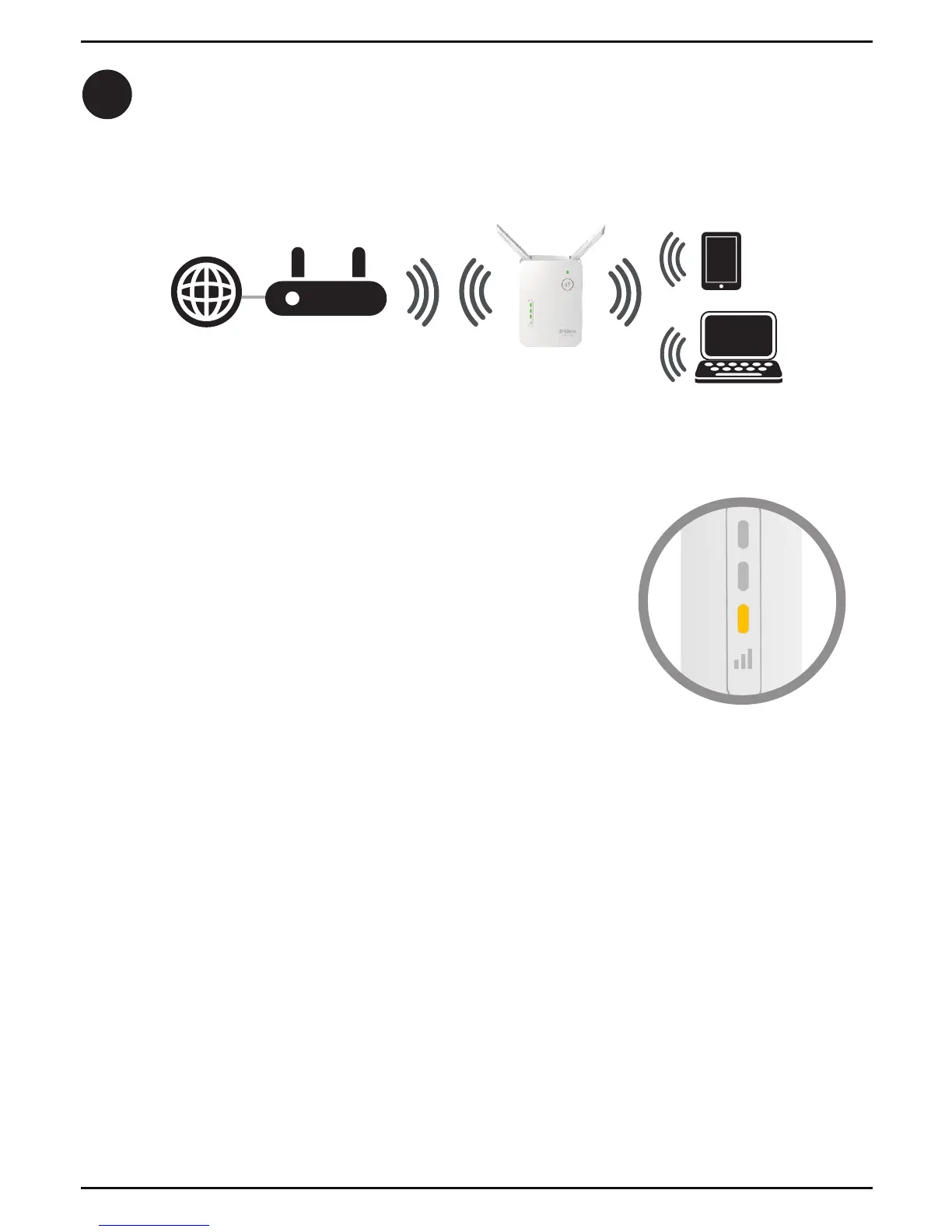
When the Status LED turns solid green, this indicates that the DAP-1330 is
securely connected to your wireless router or access point. You can now unplug
and move the DAP-1330 to a location between your wireless router and the
area that you need wireless coverage.
If the signal strength indicators are showing one single
amber bar or if the DAP-1330 is not connecting, move
the DAP-1330 to a wall outlet closer to your wireless
router or access point.


 To Next Page
 Loading...