EasyManua.ls Logo

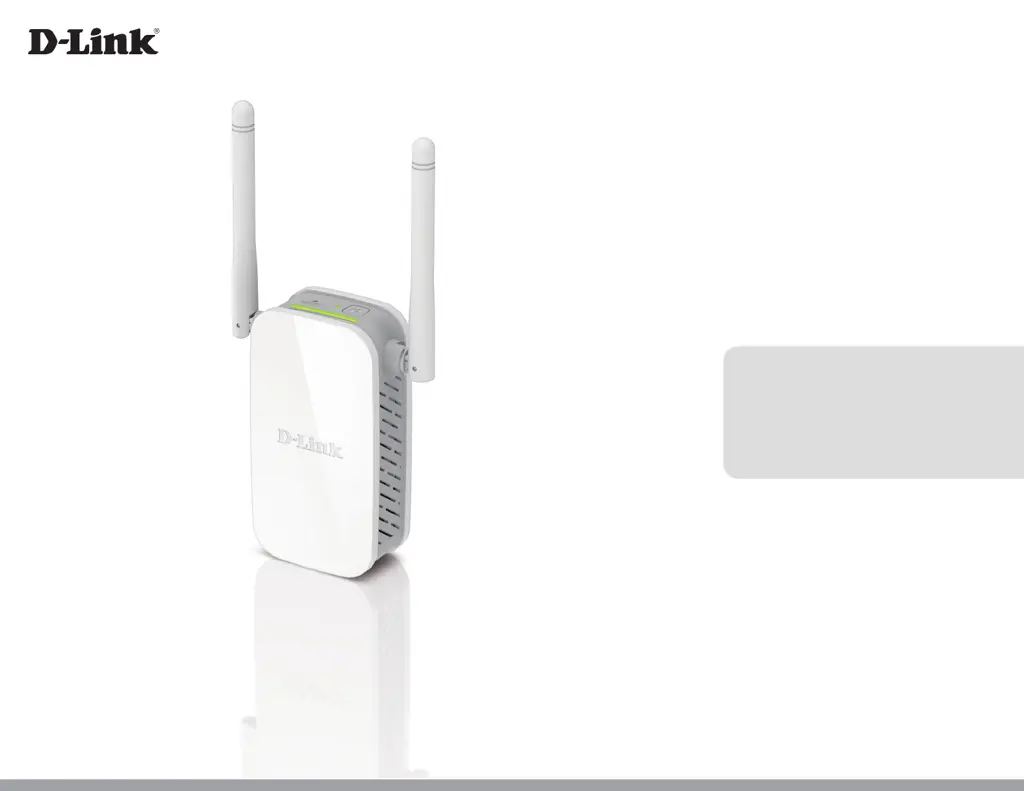
D-Link DAP-1325-US - User Manual

D-Link DAP-1325-US
70 pages
Print Icon
To Next Page IconTo Next Page
Loading...
DAP-1325
User Manual
N300 Wi-Fi Range Extender
Version 1.00 | May 7, 2018

Questions and Answers

  • M
    Michael OdonnellAug 11, 2025
    What to do if WPS setup is not working on my D-Link Extender?
    • N
      Natalie NelsonAug 11, 2025
      If WPS setup isn't working for your D-Link Extender, it might be because WPS is disabled on your router or modem. If the WPS Status LED on your router or modem doesn't blink when you press the WPS button, try holding the button a bit longer. If it still doesn't blink, configure your Range Extender using the QRS Mobile Setup method.
  • J
    jensenmichaelAug 21, 2025
    Why does my D-Link DAP-1325-US wireless connection keep dropping?
    • S
      Shawn WashingtonAug 21, 2025
      If your D-Link Extender's wireless connection drops, make sure the DAP-1325 is within range of your wireless router. Try moving it closer to the router and check that the Status LED is solid green. Also, when repeating a wireless signal, devices connected to the extender might experience reduced speed compared to connecting directly to the router.
  • B
    Breanna JonesAug 30, 2025
    What to do if I forgot my D-Link Extender password?
    • B
      Brandon WestAug 30, 2025
      If you've forgotten your D-Link DAP-1325 password, or want to reset it to the factory default settings: 1. Press and hold the reset button on the bottom of the extender using a paper clip. 2. Release the button after a minimum of 10 seconds; the Status light will turn red. You may also repeat the WPS process, following the steps to connect to your router using WPS.

D-Link DAP-1325-US Specifications

General IconGeneral
Product TypeRange Extender
Wireless Standard802.11n
Frequency Band2.4 GHz
Maximum Wireless Speed300 Mbps
Maximum Data Rate300 Mbps
Antenna TypeInternal
Antennas2
WPS SupportYes
SecurityWPA/WPA2
Operating Humidity10% to 90% non-condensing
Device TypeRange Extender
Wireless StandardsIEEE 802.11b/g/n
Ports1 x 10/100 Mbps Ethernet
Dimensions66 x 48 x 33 mm
Weight32 g
Operating Temperature0 to 40 °C

Related product manuals