DAP-1360 Quick Installation Guide
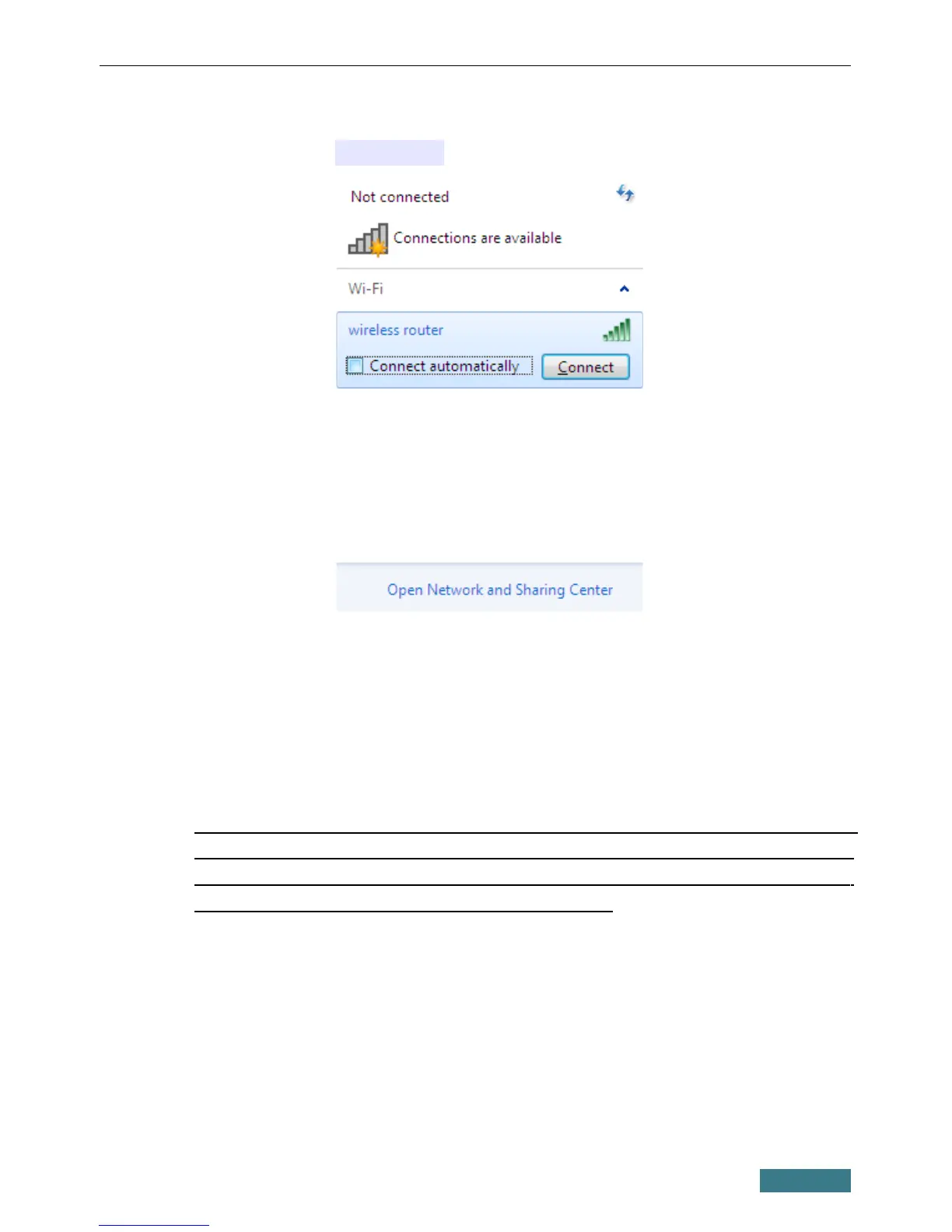
9. In the opened window, in the list of available wireless networks, select the
wireless network DAP-1360 and click the Connect button.
10. Wait for about 20-30 seconds. After the connection is established, the
network icon will be displayed as the signal level scale.
Now you can connect to the web-based interface of DAP-1360 for
configuring all needed parameters. To gain access to an external network
(to the Internet), you also need to specify the default gateway and the
addresses of DNS servers.
!
If you perform initial configuration of the access point via Wi-Fi
connection, note that immediately after changing the wireless default
settings of the access point you will need to reconfigure the wireless
connection using the newly specified settings.
13



 To Next Page
 Loading...