8 DAP-2690 Install Guide
Method 3
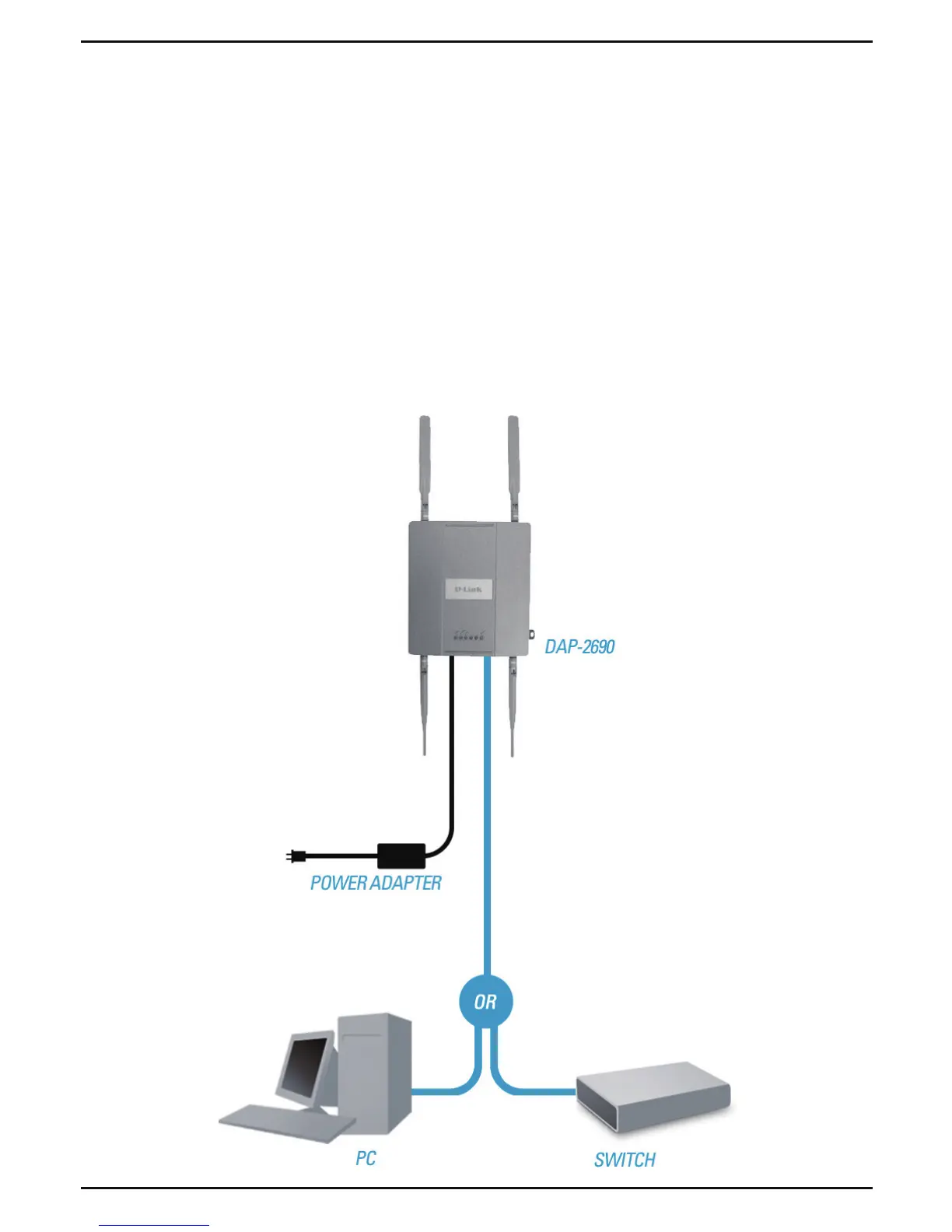
1. Connect one end of your Ethernet cable into the LAN (PoE) port on
the DAP-2690 and then connect the other end to a switch, router, or
computer.
2. Use the supplied power adapter. Connect the power adapter to the
Power receptor on the DAP-2690 access point.
3. Connect the power cable to the power adapter and then connect the
other end into a power outlet.














 To Next Page