3D-Link DCS-8325LH User Manual
Section 1 - Product Overview
Hardware Overview
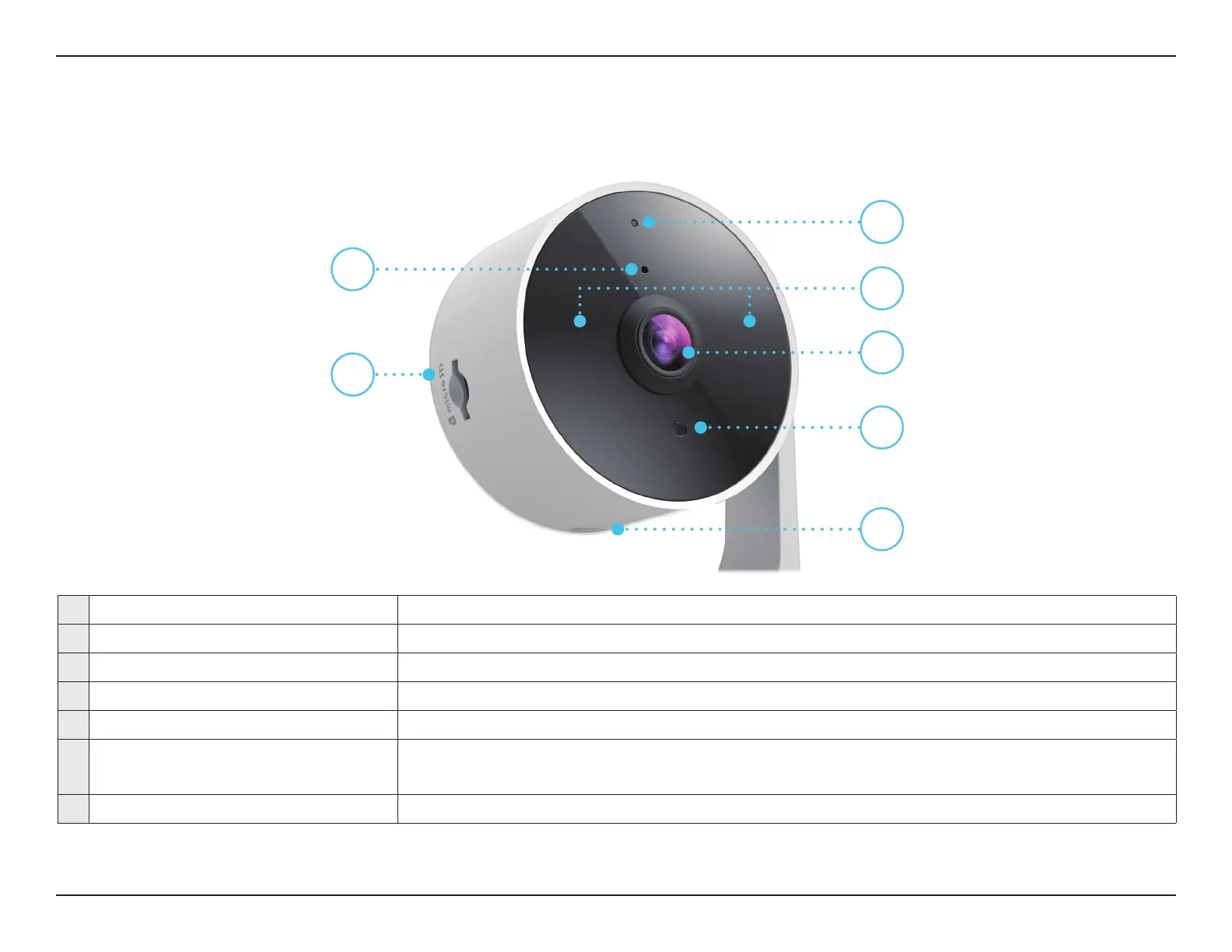
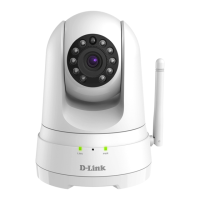
Front
1 Status LED See LED for LED behavior information.
2 Microphone Picks up sound near your camera.
3 IR LEDs IR LEDs encircle the camera lens.
4 microSD Card Slot Where a microSD card can be inserted.
5 Camera Lens Records video of the surrounding area.
6 Light Sensor
The IR-Cut removable sensor monitors lighting conditions and switches between
color and infrared accordingly.
7 Reset Button Hold the recessed button down to reset the camera to factory default settings.
1
2
3
4
5
6
7








 To Next Page