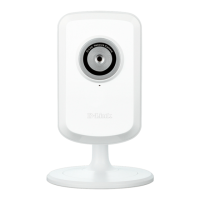
DCS-933L
ENGLISH
Start mydlink
Open a web browser on any computer connected to the Internet.
Enter http://www.mydlink.com in the address bar and press Enter.
Sign in with your mydlink account registered in the Install Wizard.
• Windows does not have Java installed by default. Please download it from
http://www.java.com.
• In Mac OS X 10.7.x, Java applets are disabled by default. Click the Finder >
Applications > Utilities > Java Preferences and check the Enable applet
plug-in and Web Start applications option.
• The ActiveX® controls in IE will install automatically if needed. We suggest
that you make sure that you have enabled the related options in Tools >
Internet Options > Security > Custom Level.
Browser
Requirements:
Java
Active X


 To Next Page