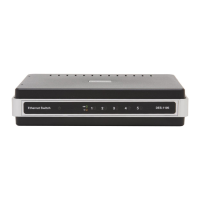
11D-Link DES-1105 User Manual
Section 2 - Installation
Port Speed & Duplex Mode
After plugging the selected cable to a specific port, the system uses auto-negotiation to determine the transmission
mode, auto-detecting the network speed (10Mbps or 100Mbps) for any new twisted-pair connection.
If the attached device does not support auto-negotiation or has auto-negotiation disabled, an auto-sensing process is
initiated to select the speed and half-duplex mode is selected.





 To Next Page