8D-Link DES-1105 User Manual
Section 1 - Product Overview
Hardware Overview
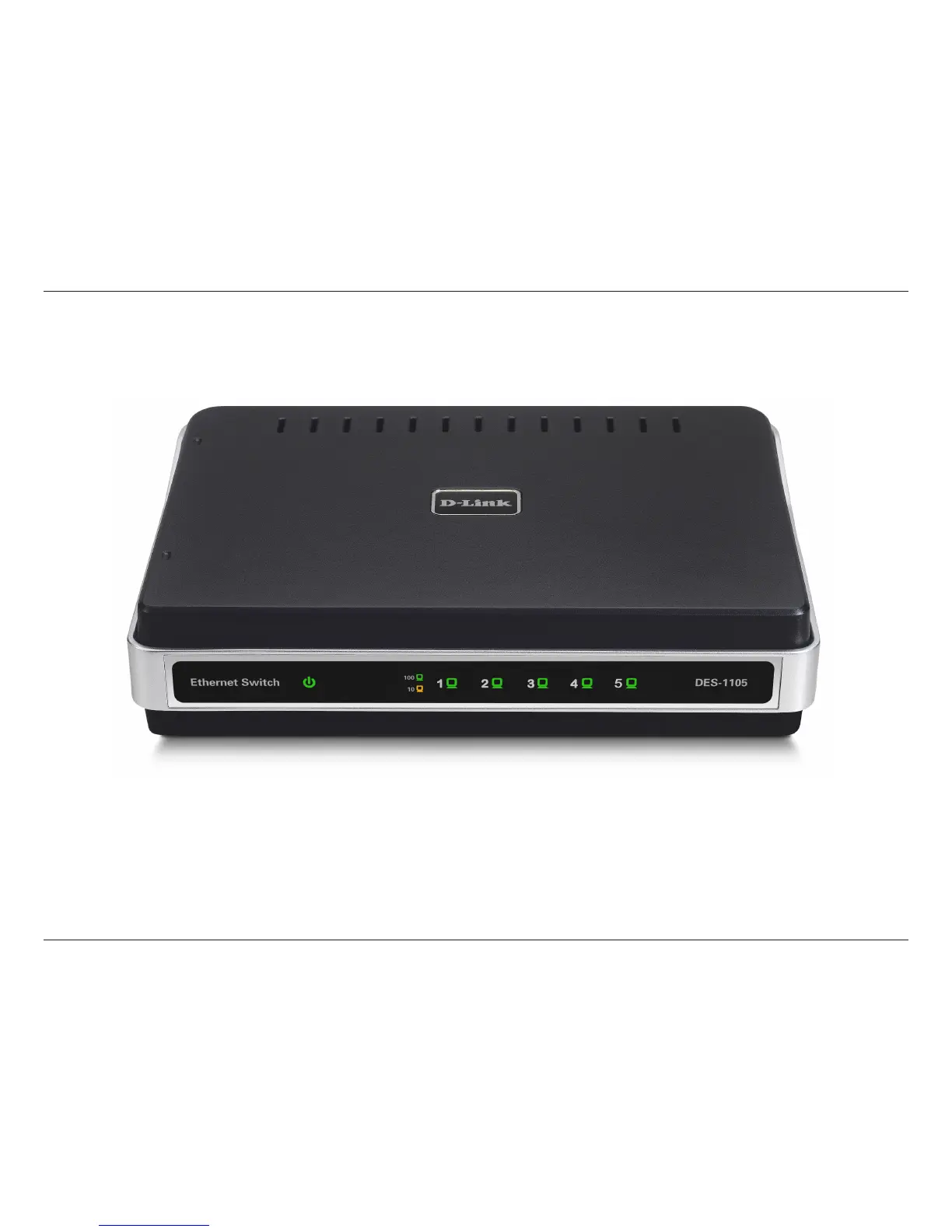
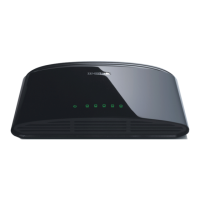
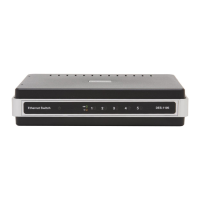
Front Panel (LEDs)
Power:
This green indicator light is on when the DES-1105 is receiving power; otherwise, it is off.
Link/Activity (1-5):
This LED indicator light is green when the port is connected to a 100Mbps Fast Ethernet station. The green indicator
blinks as Ethernet data is transmitted or received. The indicator light is amber when the port is connected to a 10Mbps
Ethernet station, or other network device. The amber indicator blinks as Ethernet data is transmitted or received.





 To Next Page