9D-Link DES-1105 User Manual
Section 1 - Product Overview
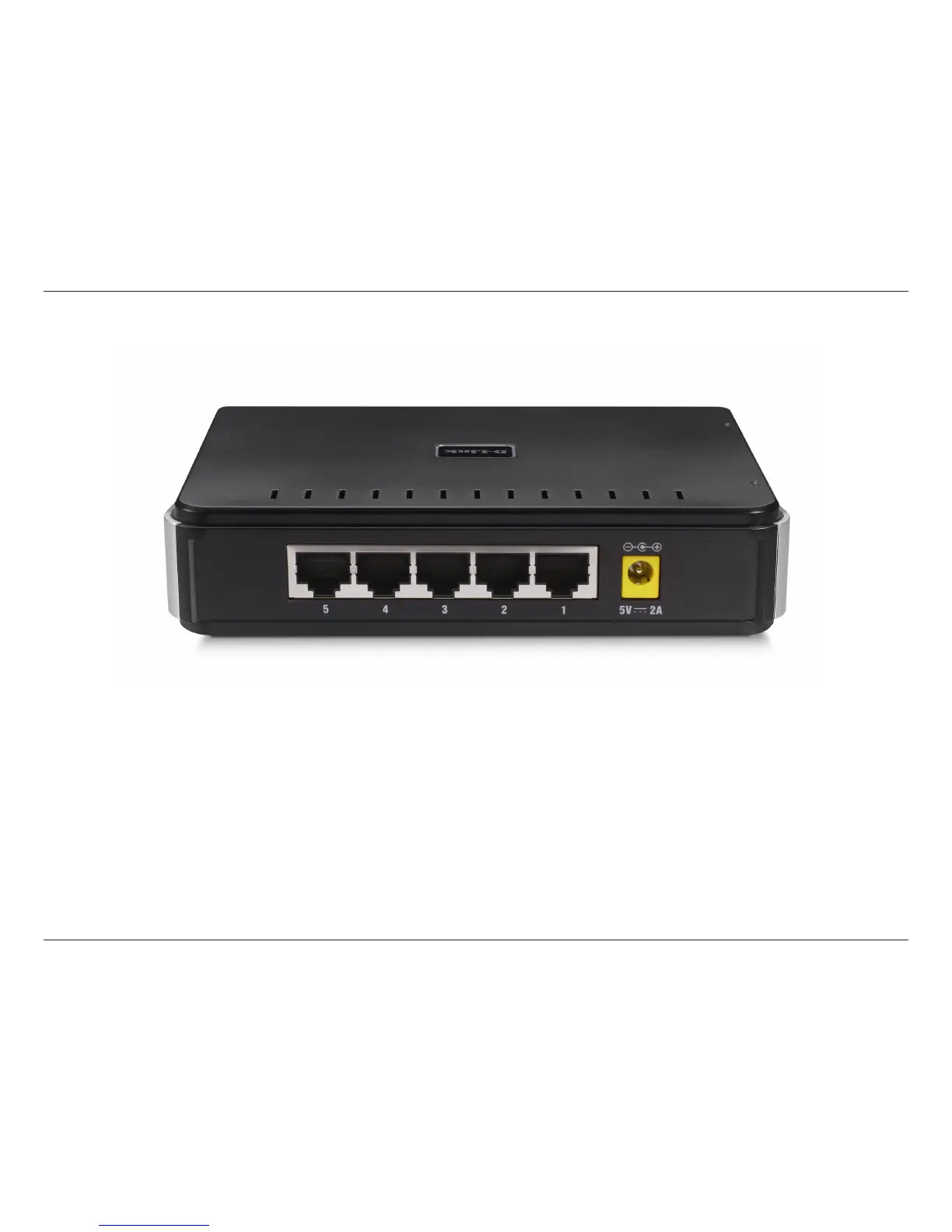
Rear Panel (Connections)
Auto MDI/MDI-X Ports:
All ports support automatic MDI/MDI-X crossover detection. The AutoMDI/MDI-X function makes it simple to connect
to the switch—just plug either a Crossover or Straight-Through CAT5 cable into any port.
DC Power Jack:
Power is supplied through an external DC power adapter. Check the technical specification section for information
about the DC power input voltage.
Since the DES-1105 does not require a power button, plugging its power adapter into a power outlet will immediately
power it on.





 To Next Page