4
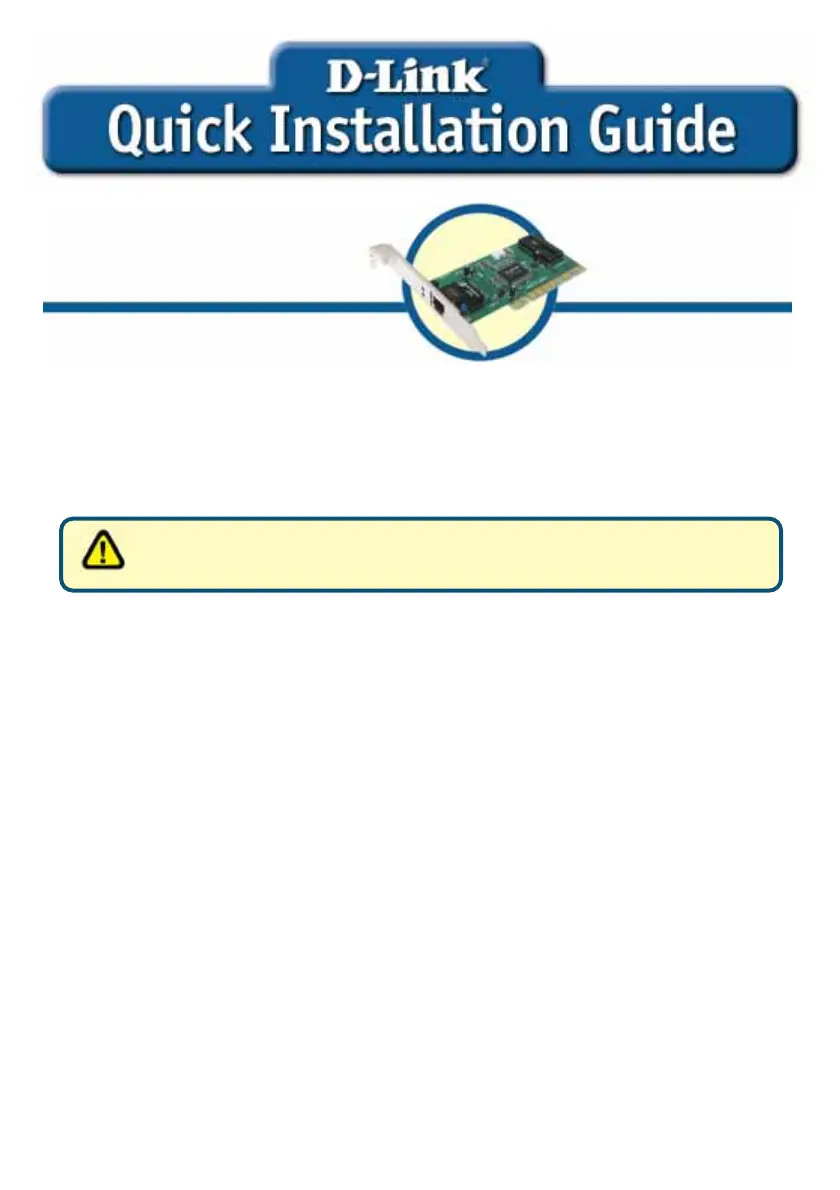
• DFE-530TX+ PCI Fast Ethernet Adapter
• Printed Quick Installation Guide
• CD with Manual and Drivers
If any of the above items are missing, please contact your reseller.
Pre-installation Procedures:
If you have already installed the DFE-530TX+ into a PCI slot, advanced users may
utilize the “Add New Hardware Wizard” to manually specify the location of the driver
on the CD-ROM.
Otherwise, we strongly recommend canceling the “Add New Hardware Wizard”
and instead using the “Install Drivers” program in the CD-ROM.
Here is quick summary of the proper installation procedure:
• Run the driver installation from the DFE-530TX+ CD-ROM.
• Turn off the computer and install the DFE-530TX+ into the PCI slot.
• Restart the computer to complete the installation.
DFE-530TX+
PCI Fast Ethernet
dapte
For Windows 98,
ME, 2000
Contents of Package
DO NOT insert the DFE-530TX+ into the computer’s
PCI slot before installing the drivers.



 To Next Page