7
• Turn off your computer and unplug the power cord.
• Remove the back cover of your computer. (Refer to your computer’s
manual if needed.)
• Locate an available PCI slot. PCI slots are usually white or cream colored.
• Remove the backplate (the small piece of metal that covers the opening
for the PCI card on the back cover that you just removed.)
• Insert the DFE-530TX+ carefully and firmly into the PCI slot.
• Secure the DFE-530TX+ with the screw from the backplate.
• Replace your computer’s cover.
• Turn on the computer.
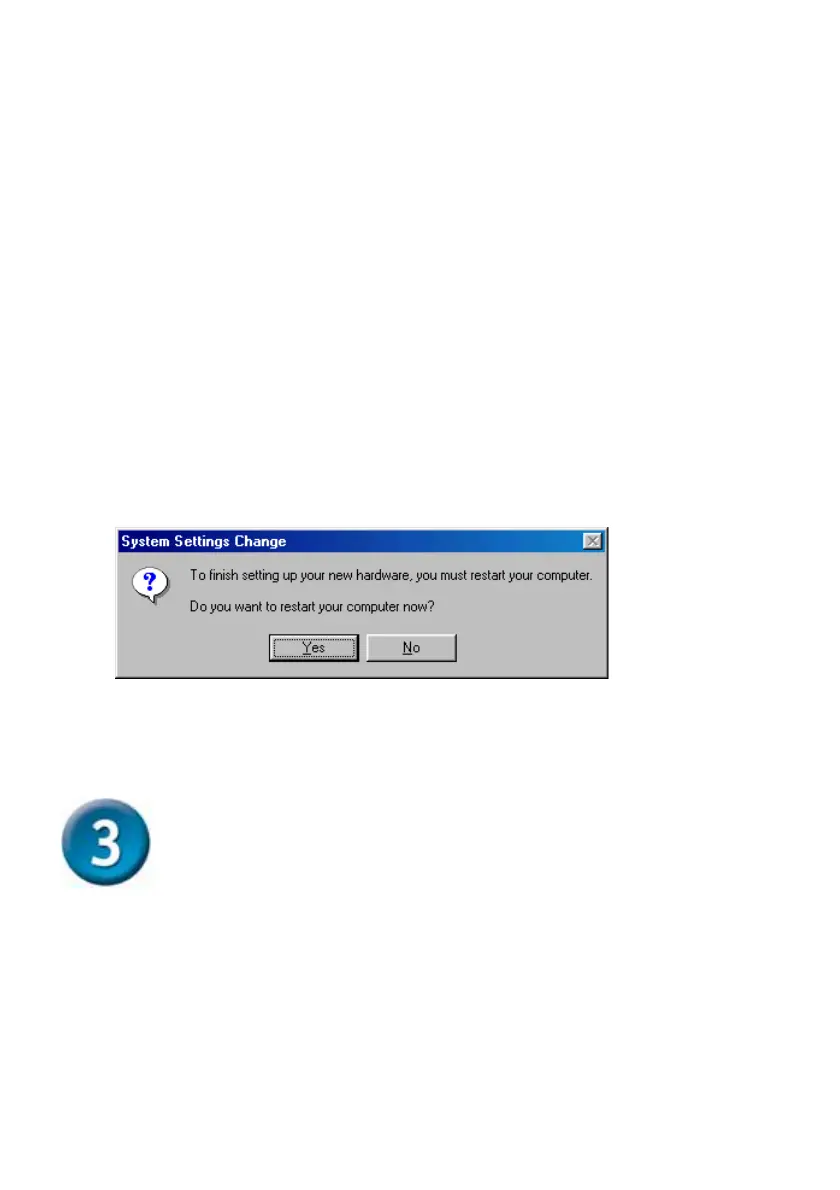
For Windows 2000/98/98SE and Windows ME users, the following dialog
box will appear.
Click Yes to restart the computer.
Double-Check Your Settings
• Go to Start>Run.
• Type “winipcfg.” (In Windows 2000, type “ipconfig/all.”) In some
cases it may be necessary to “Release and Renew” the IP
address. Make sure to select the DFE-530TX+ as the specified
adapter in the pull-down menu.
• If the IP address belongs to the same IP range and subnet
mask as the local network, then open the web browser and test
the Internet connection
.



 To Next Page