6D-Link DHP-541 User Manual
Section 1 - Product Overview
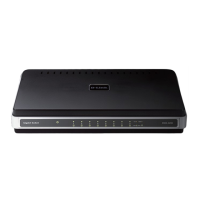
DHP-502AV Hardware Overview
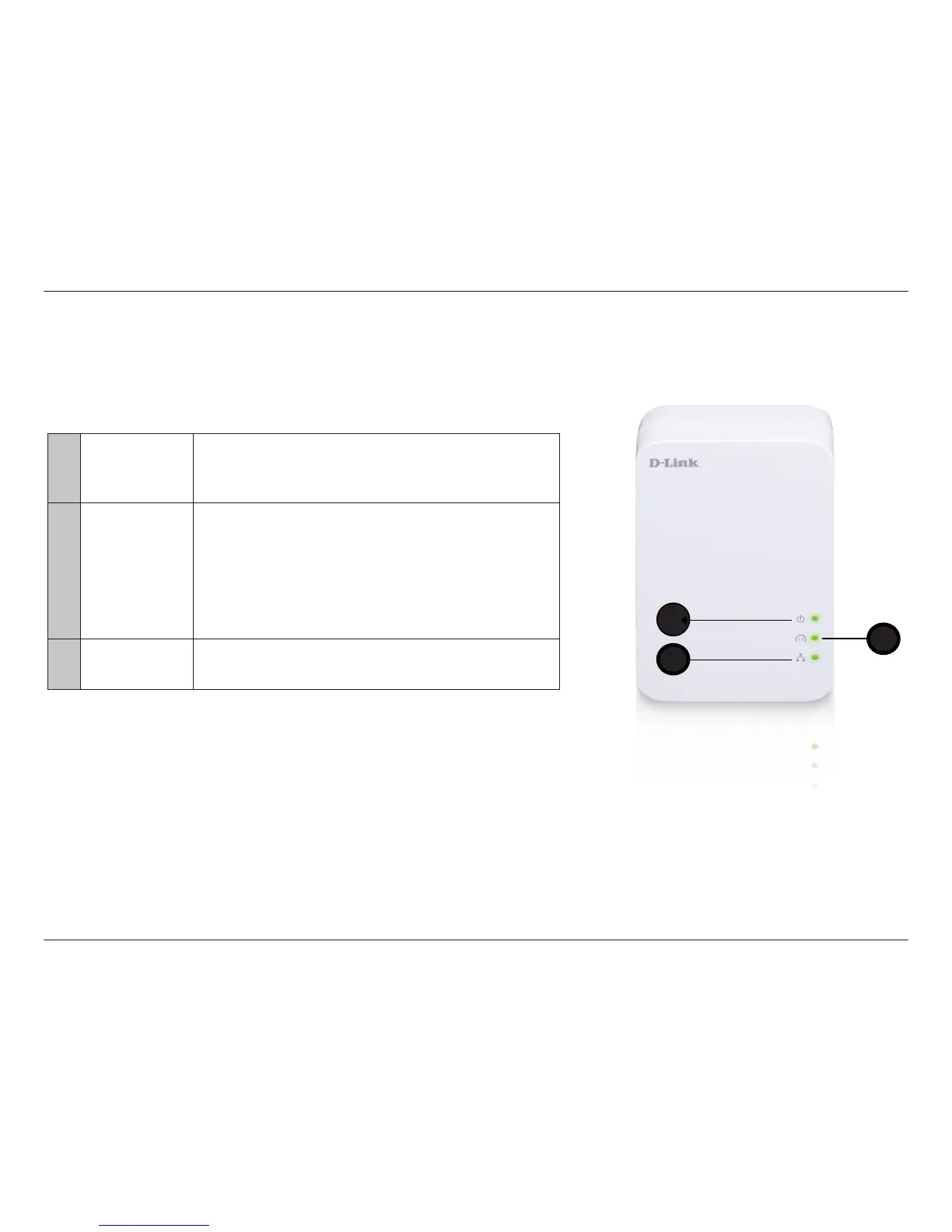
LEDs
1
Power LED
• Solid - Indicates that the device is receiving electrical power.
• Blinking - Indicates that the device is setting itself up after reset or when
the security button was pressed or power saving mode enabled.
• O - The device is not receiving electrical power.
2
PowerLine LED
• Solid - The device is connected to a PowerLine network.
• Blinking - The device is transmitting data.
• O - The device has not found any other compatible PowerLine devices
using the same encryption key.
The color indicates the PowerLine link rate:
• Green - The PowerLine link rate is faster than 80 Mbps.
• Amber - The PowerLine link rate is between 50 Mbps and 80 Mbps.
• Red - The PowerLine link rate is less than 50 Mbps.
3
Ethernet LED
• Solid - The Ethernet port is linked but there is no data trac.
• Blinking - The device is transmitting data.
• O - There is no Ethernet connection.
1
1
3
2



 To Next Page