9D-Link DHP-541 User Manual
Section 1 - Product Overview
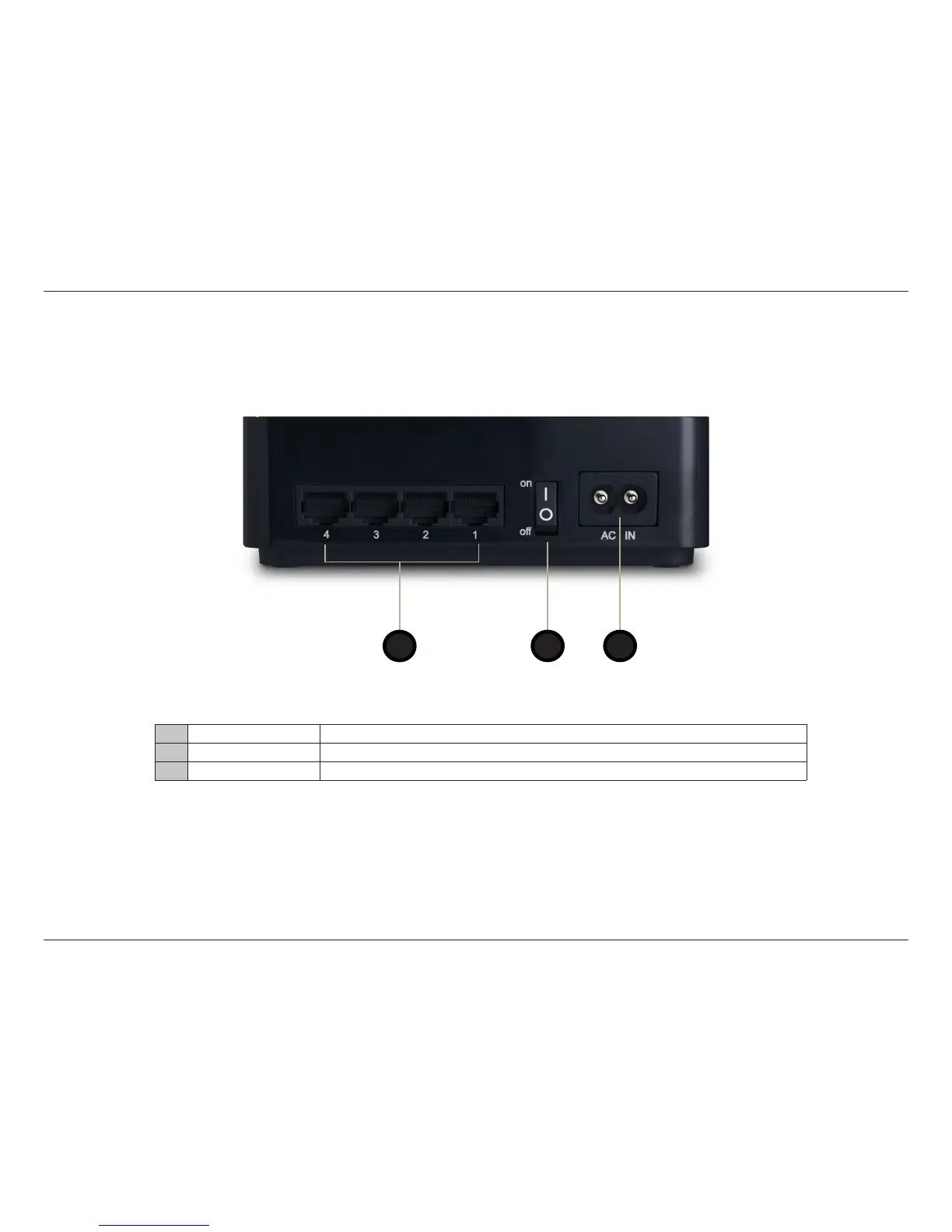
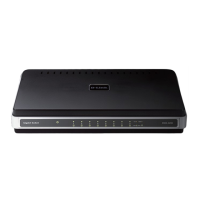
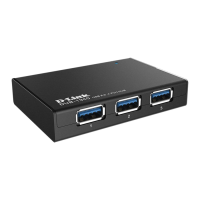
DHP-540 Hardware Overview
Connection
1 Ethernet Ports (1-4) Connect the CAT5 Ethernet cable to the selected Ethernet port in accordance to priority.
2 On/O Button Press to turn the power on or o.
3 Power Receptor Receptor for the supplied power cord.
3
1
2



 To Next Page