11D-Link DIR-600M User Manual
Section 2 - Installation
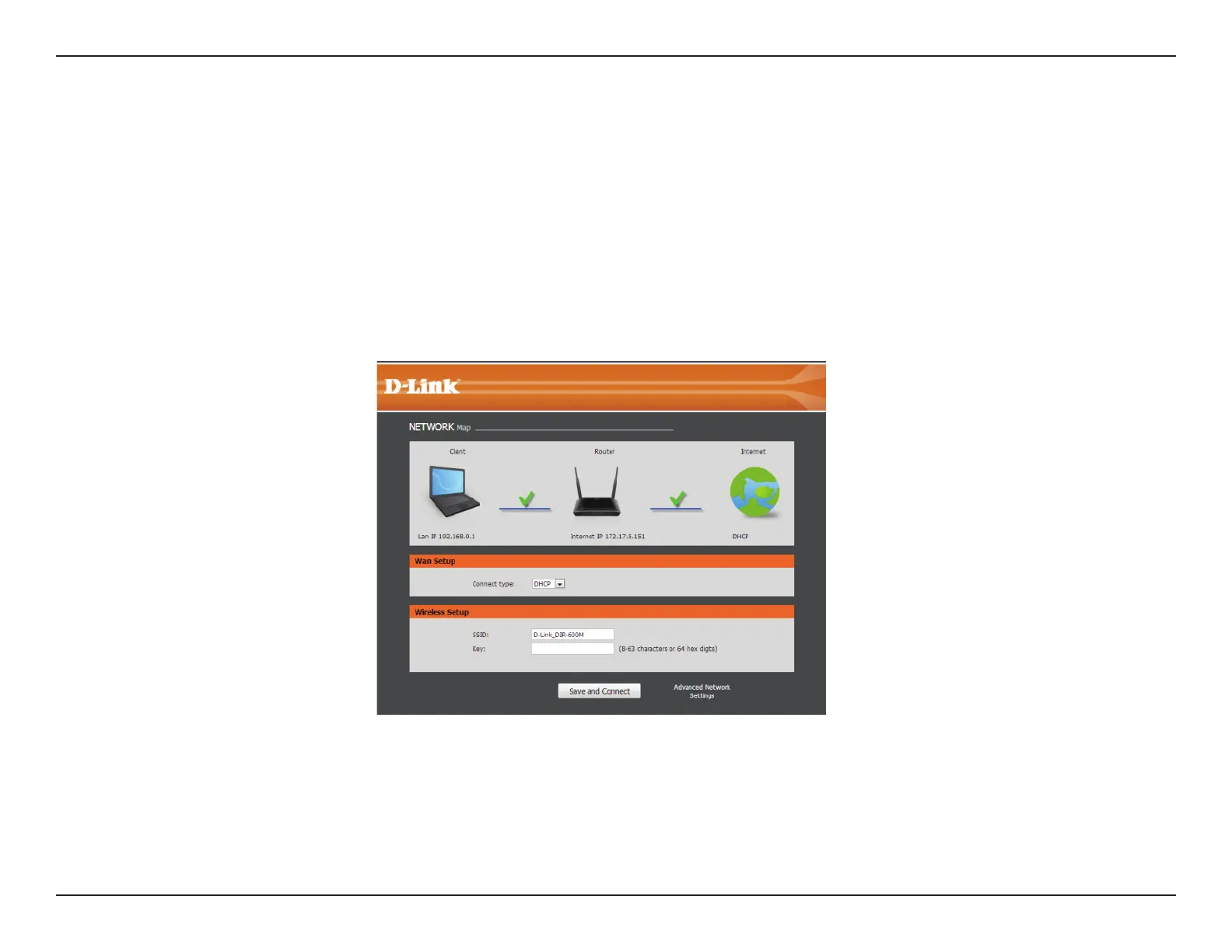
The DIR-600M will run a Setup Wizard when you rst use it. Follow the simple steps below to run the Setup Wizard to guide
you quickly through the installation process.
Select your WAN network type, then enter your wireless SSID and key.
Click the Save and Connect button when you are nished.
Getting Started
Note: It is recommended to write down the SSID and security key, followed by the login password.













 To Next Page