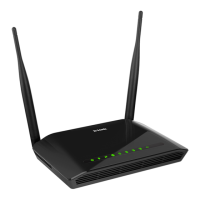
DIR-620S Wireless N300 Router with 3G/LTE Support and
USB Port
User Manual
Configuring via Web-based Interface
Figure 84. The page for creating a new 3G connection. The PPP section.
Parameter Description
PPP
Without authorization
Move the switch to the right if your operator does not require
authorization.
Username
A username (login) to connect to the network of the operator.
Password
A password to connect to the network of the operator. Click the
Show icon ( ) to display the entered password.
Service name
The name of the PPPoE authentication server.
MTU
The maximum size of units transmitted by the interface.
Authentication
protocol
Select a required authentication method from the drop-down list or
leave the AUTO value.
Page 104 of 236


 To Next Page