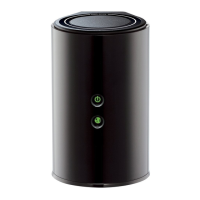
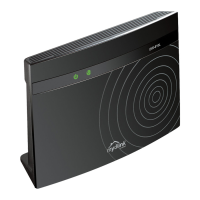
DIR-820 AC1200 Wave 2 MU-MIMO Wi-Fi Router
User Manual
Configuring via Web-based Interface
Using WAN Port as LAN Port
To configure the WAN port of the router to be used as a LAN port, follow the next steps:
1. On the Connections Setup / WAN page, remove the WAN connection assigned to the
network interface of the VLAN which includes the WAN port (see the WAN section, page
72).
2. Go to the Advanced / VLAN page and remove the VLAN (see the VLAN section, page
136).
3. On the Advanced / WAN assignment page, deselect the WAN port and click the
APPLY button.
If you don't want to use the WAN port as a LAN port any longer, follow the next steps:
1. On the Advanced / WAN assignment page, select the WAN port and click the APPLY
button.
2. Go to the Advanced / VLAN page and create a VLAN which will include the WAN port
(see the VLAN section, page 136).
!
To create a network interface to which a WAN connection can be assigned upon adding the
VLAN, the Create interface switch should be moved to the right.
3. Go to the Connections Setup / WAN page and create a WAN connection which will be
assigned to the network interface of the VLAN (see the WAN section, page 72).
Page 140 of 210



 To Next Page