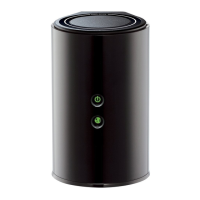
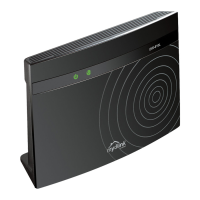
DIR-820 AC1200 Wave 2 MU-MIMO Wi-Fi Router
User Manual
Configuring via Web-based Interface
Parameter Description
File check period
A time period (in seconds) between attempts to compare the current
configuration file with the configuration file on the ISP's server.
Protocol type
A protocol for communication with the ISP's server where the
configuration file is stored.
After specifying the needed parameters, click the APPLY button.
If you need to check manually if the current configuration file corresponds to the configuration file
on the ISP's server, click the CHECK STATUS button. The check result will be displayed in the
Status field. If the files are different, the device’s settings will be updated.
Page 204 of 210



 To Next Page