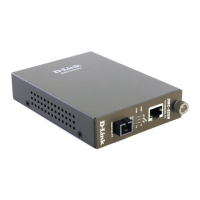
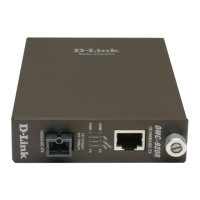
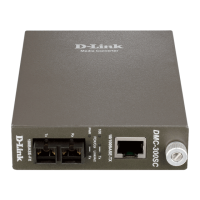
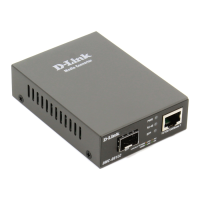
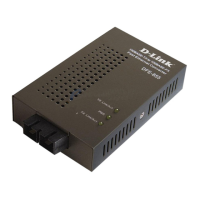
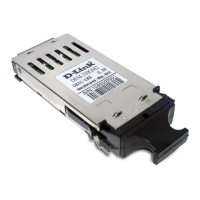
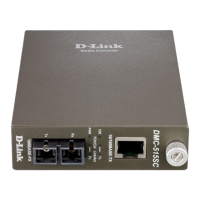
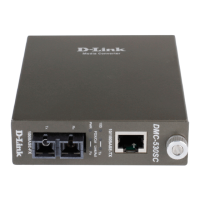
8D-Link Media Converter Series
Section 2 - Hardware Installation
Standalone Installation
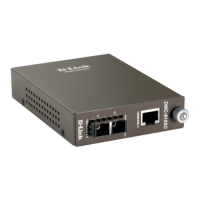
The D-Link media converters are primarily standalone plug-and-play devices. To use the converter, simply plug the supplied power adapter's DC-
jack into the power connector on the back panel of the converter and connect the adapter to a standard AC power outlet. The converter will be
ready to use and requires no additional conguration or software. Once the device is powered, the appropriate Ethernet and ber optic cables can
then be connected to the 10/100BASE-TX or 1000BASE-TX, and SC/LC ber optic ports for connection to the network.
Step 1: Connect the DC power plug to the back of the converter.
Step 2: Connect the power adapter to a power outlet.
Step 3: Connect the copper and ber cables to the front panel connectors.


 To Next Page