7D-Link DSL-2885A User Manual
Section 1 - Product Overview
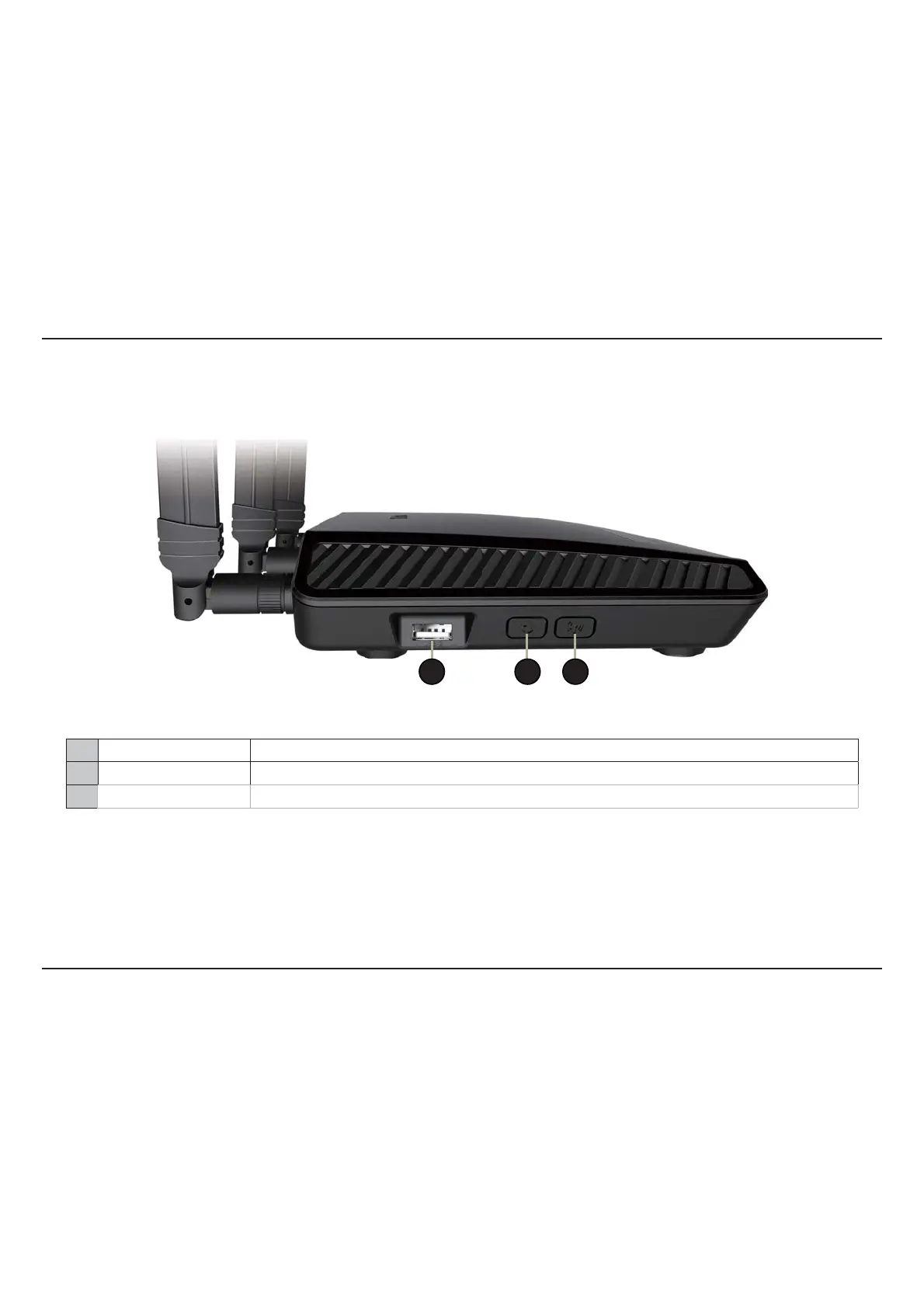
1 USB 2.0 Port Connect a USB ash drive to share content , or connect it to a USB printer to share it on your network.
2 WPS Button Press to start the WPS process and automatically create a secure connection to a WPS client.
3 Wi-Fi Button Press and hold for 2 seconds to enable or disable Wi-Fi.
Side Panel
1 2 3



 To Next Page