40D-Link DSL-2885A User Manual
Section 4 - Conguration
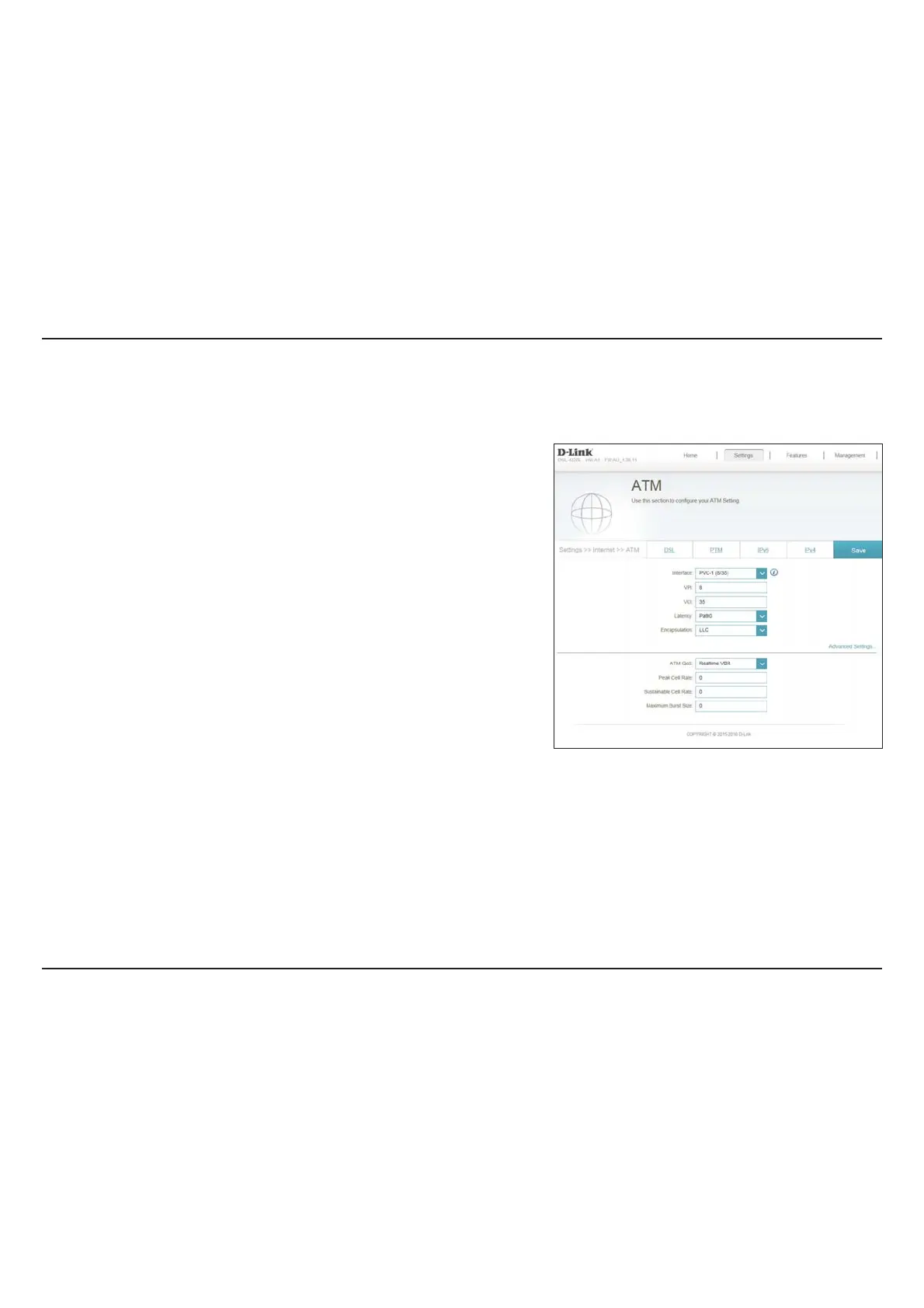
ATM
Select the ATM interface from the drop-down menu.
Enter the Virtual Path Indicator (0 - 255).
Enter the Virtual Channel Indicator (32 - 65535).
Select the latency from the drop-down menu.
Select the method of encapsulation provided by your ISP. You can
select LLC or VCMUX.
Select the Quality of Service type from the drop-down menu.
Click Save when you are done.
Interface:
VPI:
VCI:
La
tency:
Encapsulation:
ATM QoS:
On this page you can congure your Asynchronous Transfer Mode (ATM) settings. If you are unsure, you can obtain these settings fr
om your ISP.



 To Next Page