DSL-310 ADSL Modem User’s Guide
TCP
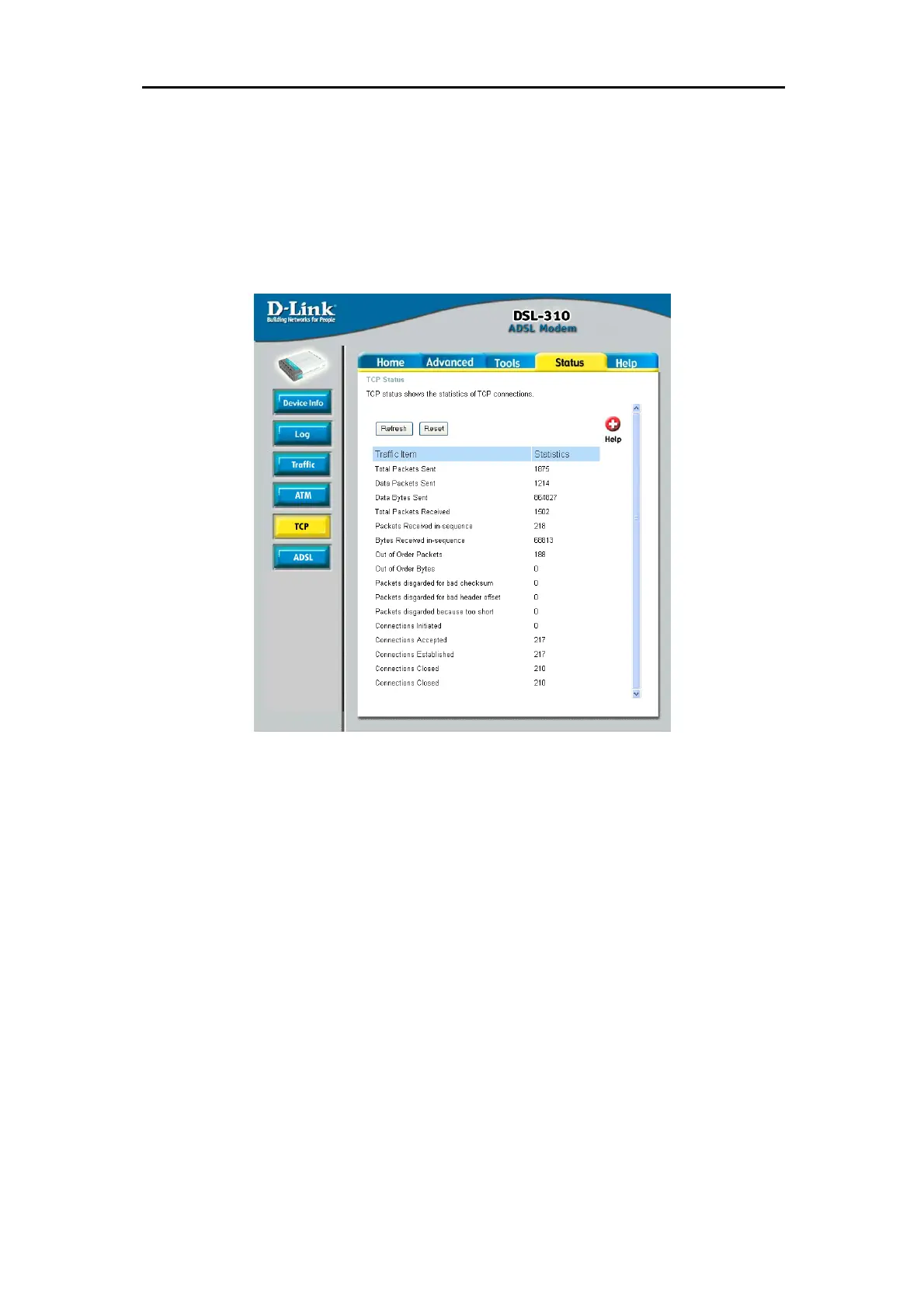
The TCP Status page shows the statistics for all TCP connections.
Total Packets Sent; Data Packets Sent; Data Bytes Sent; Total Packets Received; Packets Received
in-sequence; Bytes Received in-sequence; Out of Order Packets; Out of Order Bytes; Packets Disgarded
for bad checksum; Packets Disgarded for bad header offset; Packets Disgarded because too short;
Connections Initiated; Connections Accepted; Connections Established; Connections closed. The TCP
counter will reset if the device is rebooted.



 To Next Page