15D-Link DSL-3890 User Manual
Section 3 - Getting Started
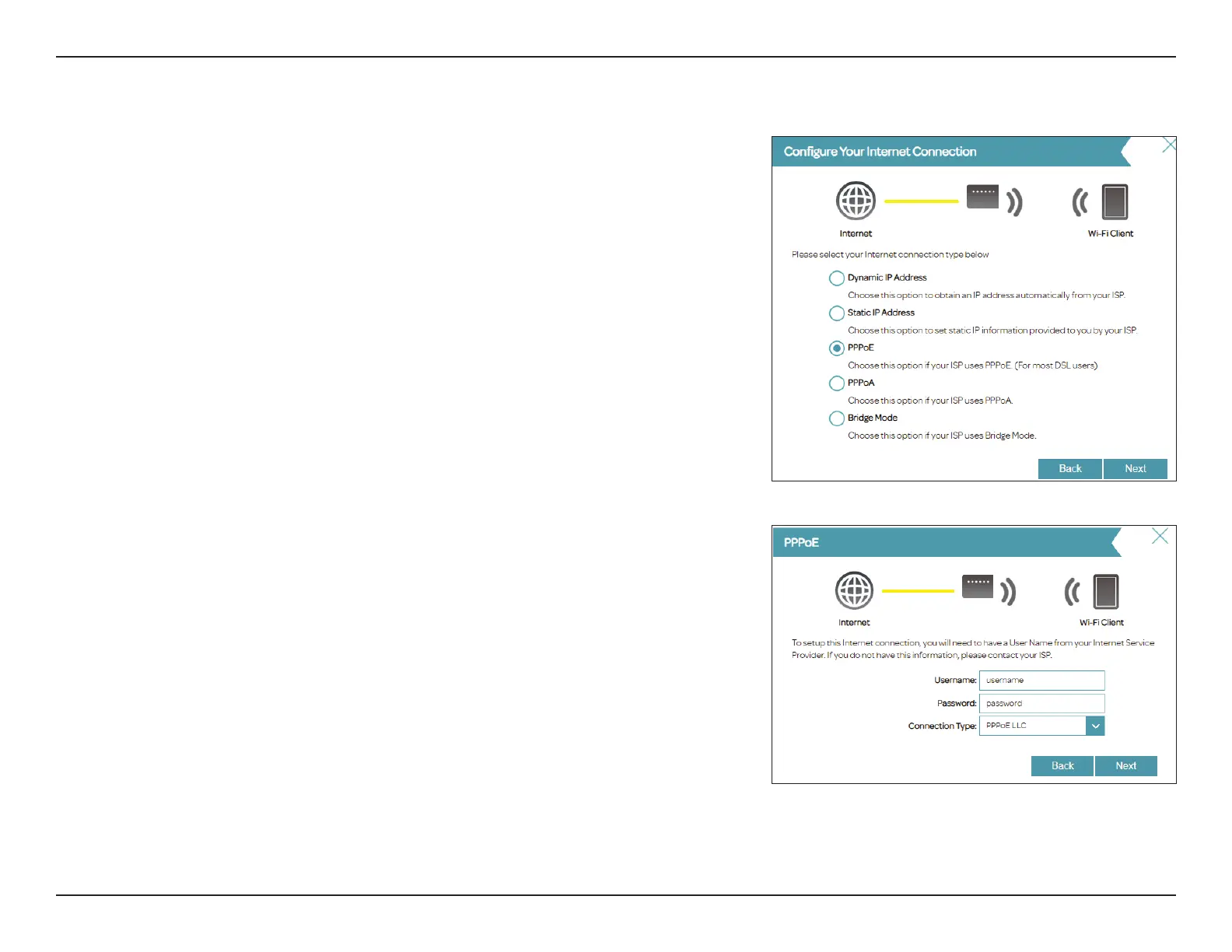
If the router cannot determine your connection type, a list of connection types
to choose from will be displayed. Select your Internet connection type (this
information can be obtained from your Internet Service Provider) and click
Next to continue.
If the router detected or you selected PPPoE, enter your PPPoE username and
password, choose the Connection Type if asked, and click Next to continue.
Note: Make sure to remove all previous PPPoE software from your computer. The
software is no longer needed and will not work through a router.
Setup Wizard (continued)


 To Next Page