37D-Link DSL-3890 User Manual
Section 4 - Conguration
Bridge Mode
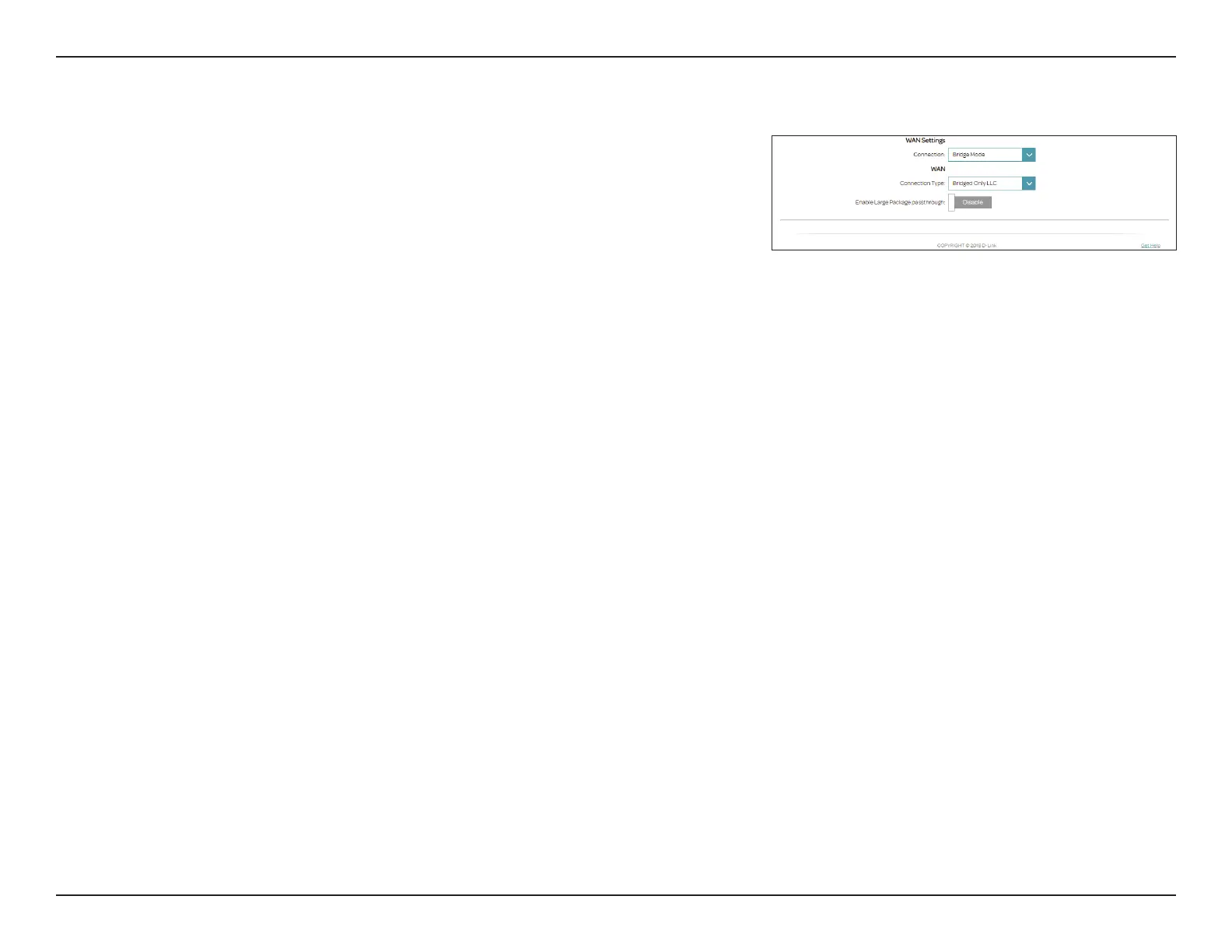
Select Bridge Mode to use the DSL-3890 as a network bridge.
WAN Settings
Connection: Select Bridge.
WAN
Connection Type: Select from Bridged Only LLC or Bridged Only VC-Mux.
Enable Large
Package
passthrough:
Enable or disable Large Package passthrough.
Click Save when you are done. You will need to connect and congure
another device to connect to your ISP.


 To Next Page