13D-Link DWA-643 User Manual
Section 2 - Installation
The D-Link configuration wizard will now appear.
If you are using Windows
®
XP (SP2), you will have the option
to use either the D-Link manager or the built-in Windows
®
Wireless utility.
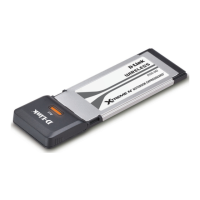
Insert the adapter into an available cardbus slot on your
computer.
If the Found New Hardware Wizard appears, click Cancel.
Enter the network name (SSID) manually. If you enter the SSID
incorrectly, you will automatically be brought to the site survey
page. Click Scan to display the site survey page.
Click Next
Click Next
Click Next


 To Next Page