8
Hardware Installation
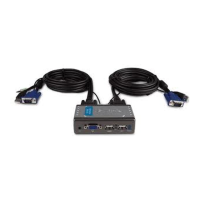
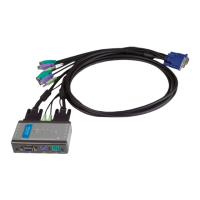
The following steps apply to both computers that will be used with
the KVM-121. Start by attaching the cables connected from the PC
1 port of the KVM-121 to Computer 1.
Connect the KVM-121’s included
monitor cable (blue coated) to the
VGA port located on the back of your
computer case.
Plug the KVM-121’s included
keyboard cable (purple coated) to
the PS/2 keyboard port located on
the back of your computer case.
Plug the KVM-121’s included mouse
cable (green coated) to the PS/2
mouse port located on the back of
your computer case.








 To Next Page
