179D-Link ShareCenter DNS-320 User Manual
Section 4 - Conguration
Save To: Enter the specic destination on the internal drives for
the downloaded les or folders to be saved to. Click
Browse to browse the internal drives.
Rename: If you would like to rename a le after it has been
downloaded from the specified HTTP/FTP server,
enter the name you would like the le to be renamed
to in this eld.
Language: Use the drop-down menu to select the language used
in the le or folder that you are trying to download.
When: Select the date and time for the download to occur.
Recurring: If you wish to schedule a recurring backup, select the
desired interval (daily, weekly, or monthly) and the
time you want the backup to start.
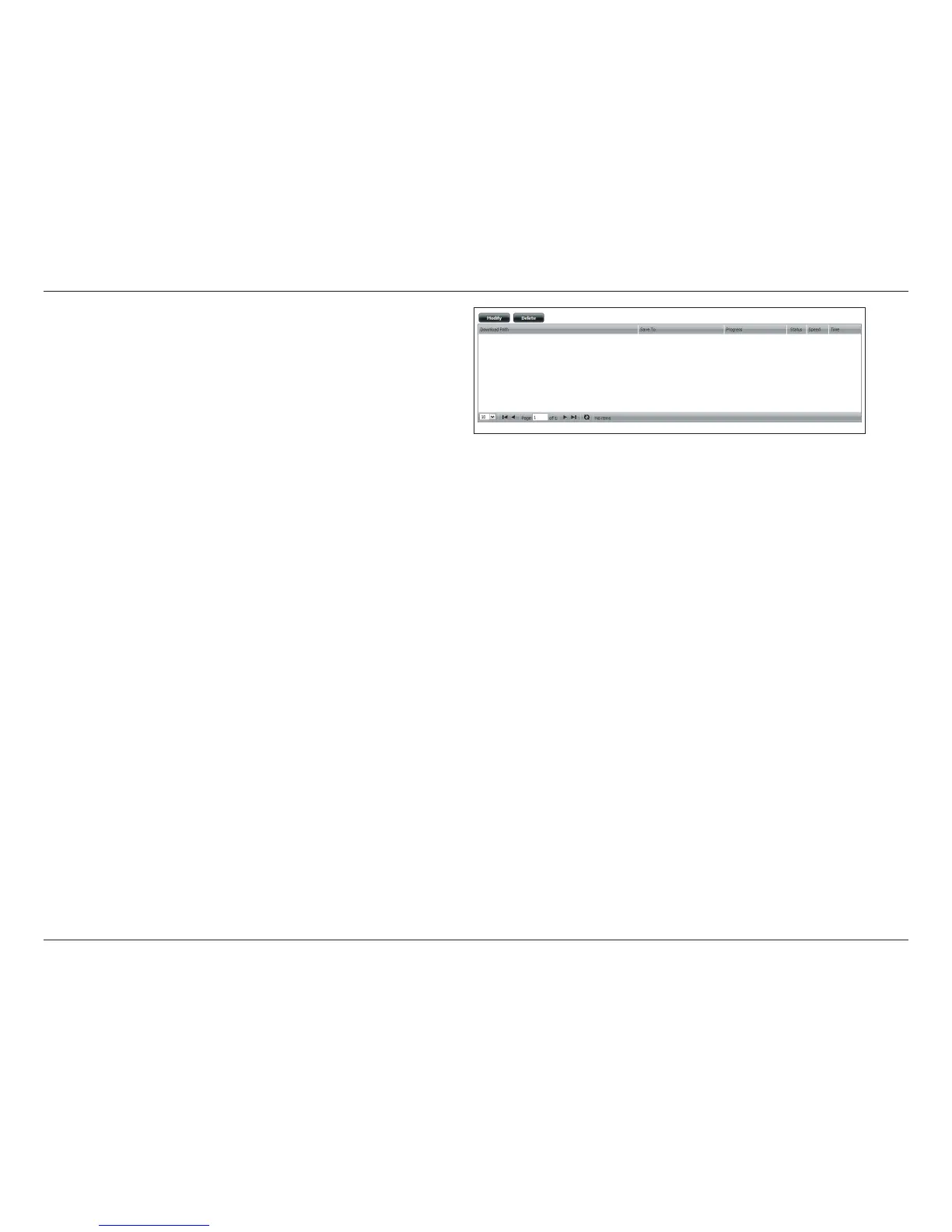
Schedule
Download
List:
Pending and completed download events will be
listed here. The current status for each event is
displayed here. In addition, there is an option to delete
a download event at any time. Current download
statistics, such as % completed and download speed,
are displayed for each event. A refresh button is also
provided to produce updated listings at any time.



 To Next Page
 Loading...