English16
Operations
Operations
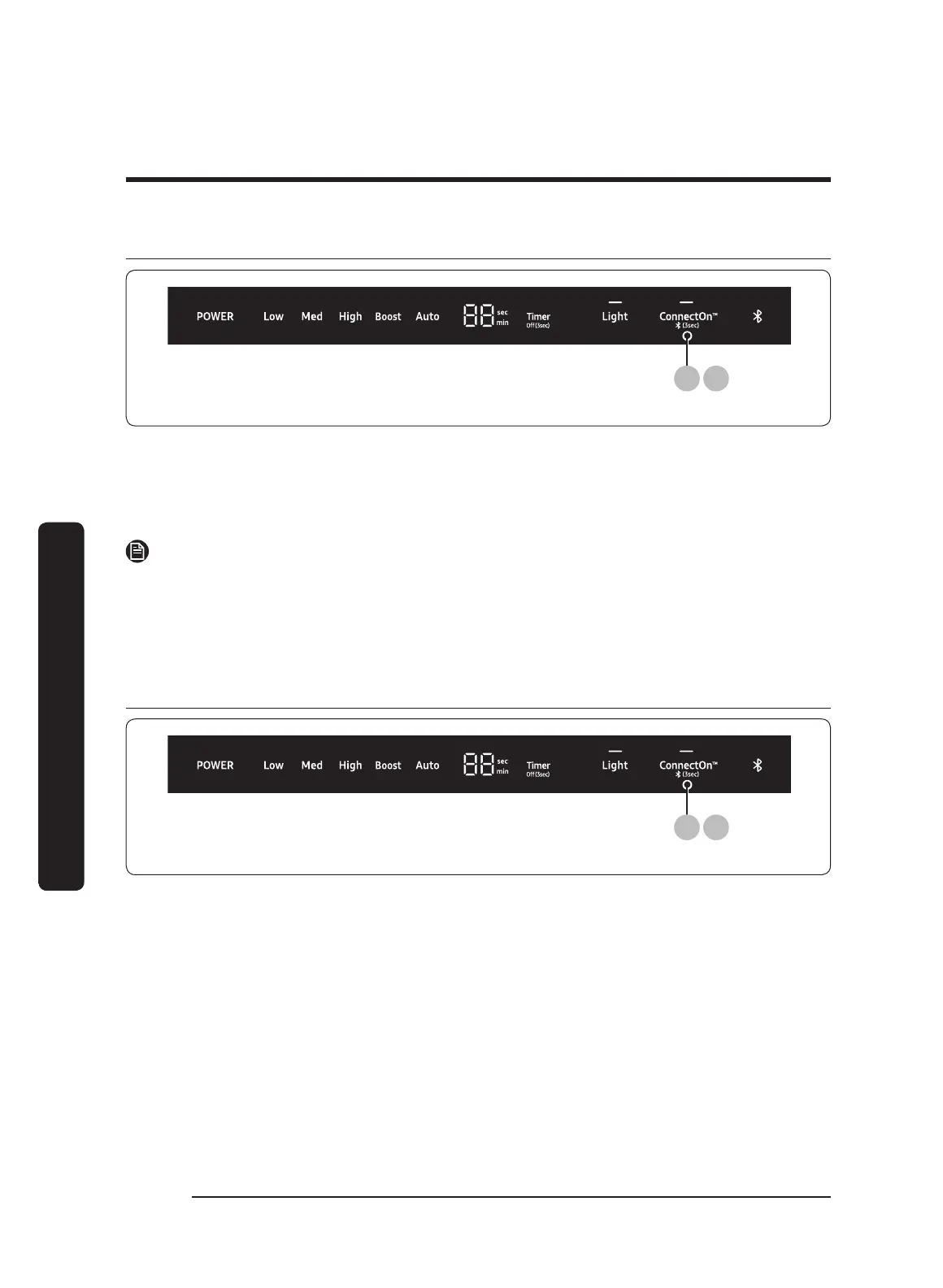
Before using ConnectOn™
(3 sec)
1 3
1. Press ConnectOn™ for 3 seconds.
The pairing mode will be activated and the indicator of Bluetooth symbol will flash.
2. Press the Bluetooth button on
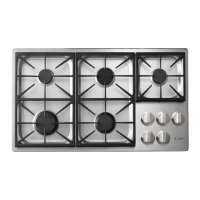
your compatible Dacor cooktop.
The hood and the cooktop will be paired.
NOTE
For a detailed description of the pairing method, see the user manual of a compatible
Dacor cooktop.
3. Press-hold the Bluetooth button for 3 second again.
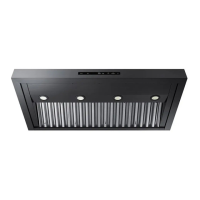
Using ConnectOn™
(3 sec)
1 3
1. Press ConnectOn™.
This function will be activated.
2. Turn on the cooktop.
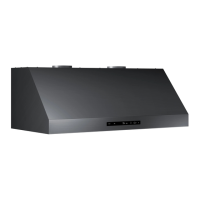
The hood will activate automatically. (default : Auto)


 To Next Page