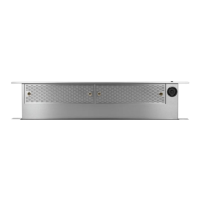
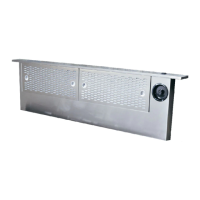
English 19
Care and maintenance
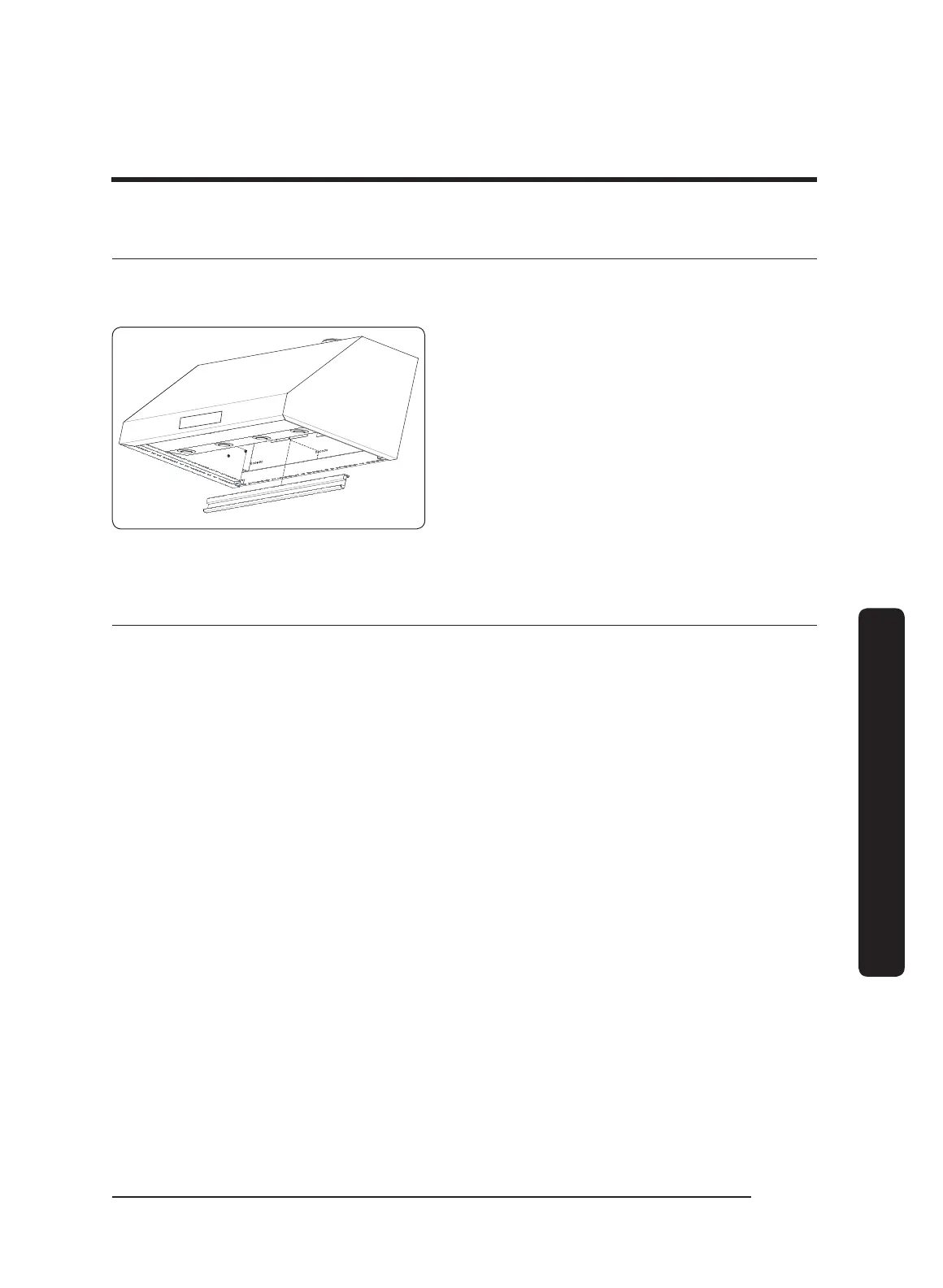
Cleaning the filters and grease channel
If you cannot reach the grease channel from the floor, Dacor recommends you use a
stepstool or similar sturdy device to help you reach up into the hood.
Grease Channel
1. Unhinge (lift with boths hands and
detach), and clean the grease channel
with a hot, soapy sponge.
2. Wash the filters in hot, soapy water, or
in a dishwasher.
3. Thoroughly dry the grease channel and
filters.
Reinstalling the filters and grease channel
1. Reattach the grease channel.
2. Grasping the knobs, press the filter’s front edge firmly against the tension clip until the
filter’s rear edge clears the grease channel.
3. Carefully raise the filter’s rear edge up into the hood.
4. Gently release tension on the clip, and rest the filter’s rear edge on the grease channel.
5. Wipe away fingerprints, and adjust the components as needed.


 To Next Page