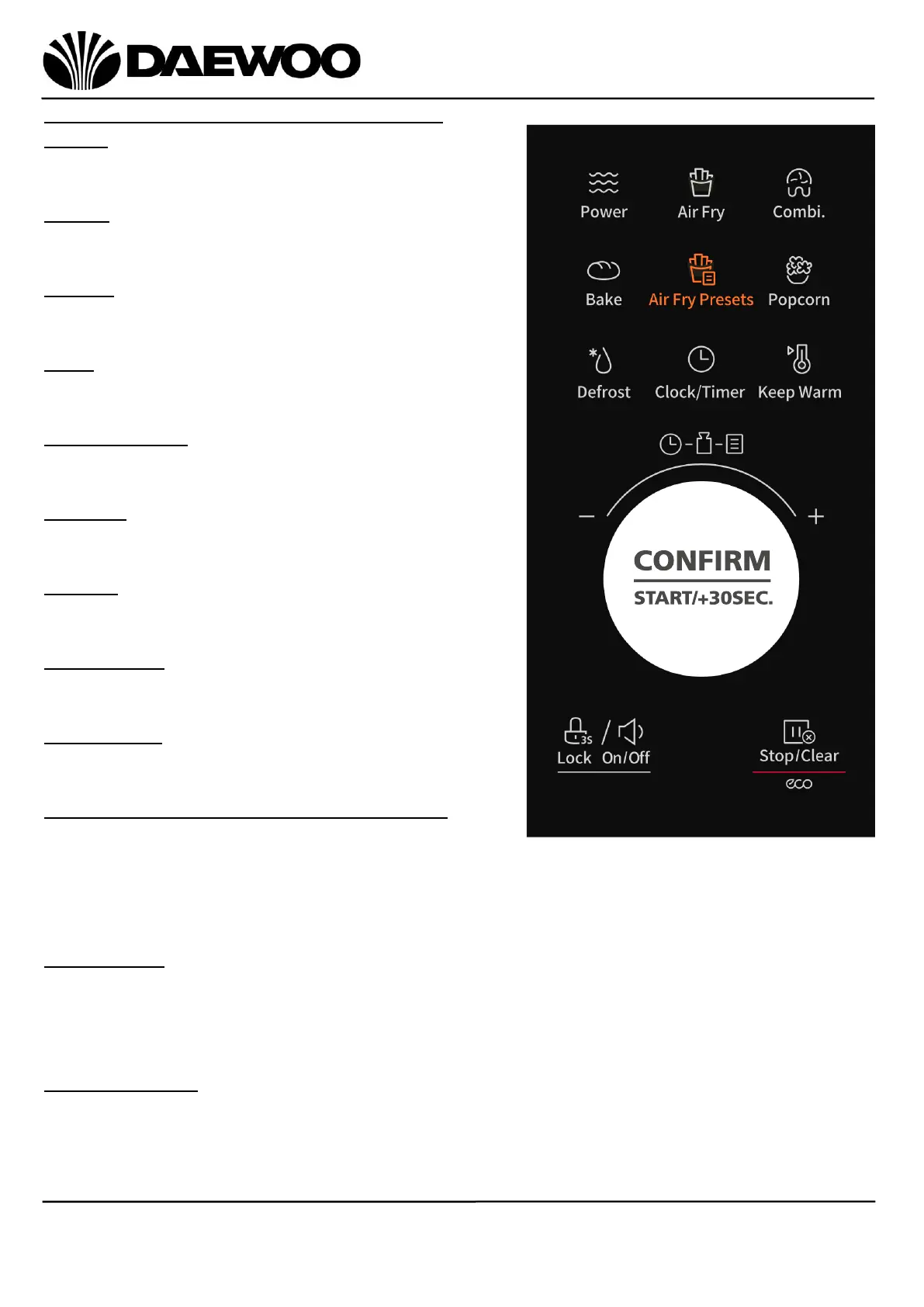
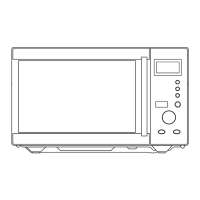
Description of Parts – Control Panel (5)
Power
Press to select the power levels of Microwave.
Air Fry
Press to set an Air Fry cooking mode.
Combi.
Press to set Combination cooking time.
Bake
Press to set the Bake preset.
Air Fry Presets
Press to set one of the Air Fry presets.
Popcorn
Press to set the Popcorn preset.
Defrost
Press to set the Defrost mode.
Clock/Timer
Press to set the clock or timer.
Keep Warm
Press to set the Keep Warm preset.
Control Knob - CONFIRM/START/+30SEC
Turn the knob to select one of the Auto
Menu in standby mode.
Turn the knob to set the temperature and time.
Press once to confirm the setting or start cooking.
Lock On/Off
Press and hold the button for 3 seconds to lock the control panel, hold another 3
seconds to unlock.
Press once to mute the buzzer, press again to turn on the buzzer sound.
Stop/Clear ECO
Press to pause or stop cooking.
Press to turn off the screen in standby mode.


 To Next Page