Using Your Dehumidifier
• Insert the mains plug into the nearest available socket.
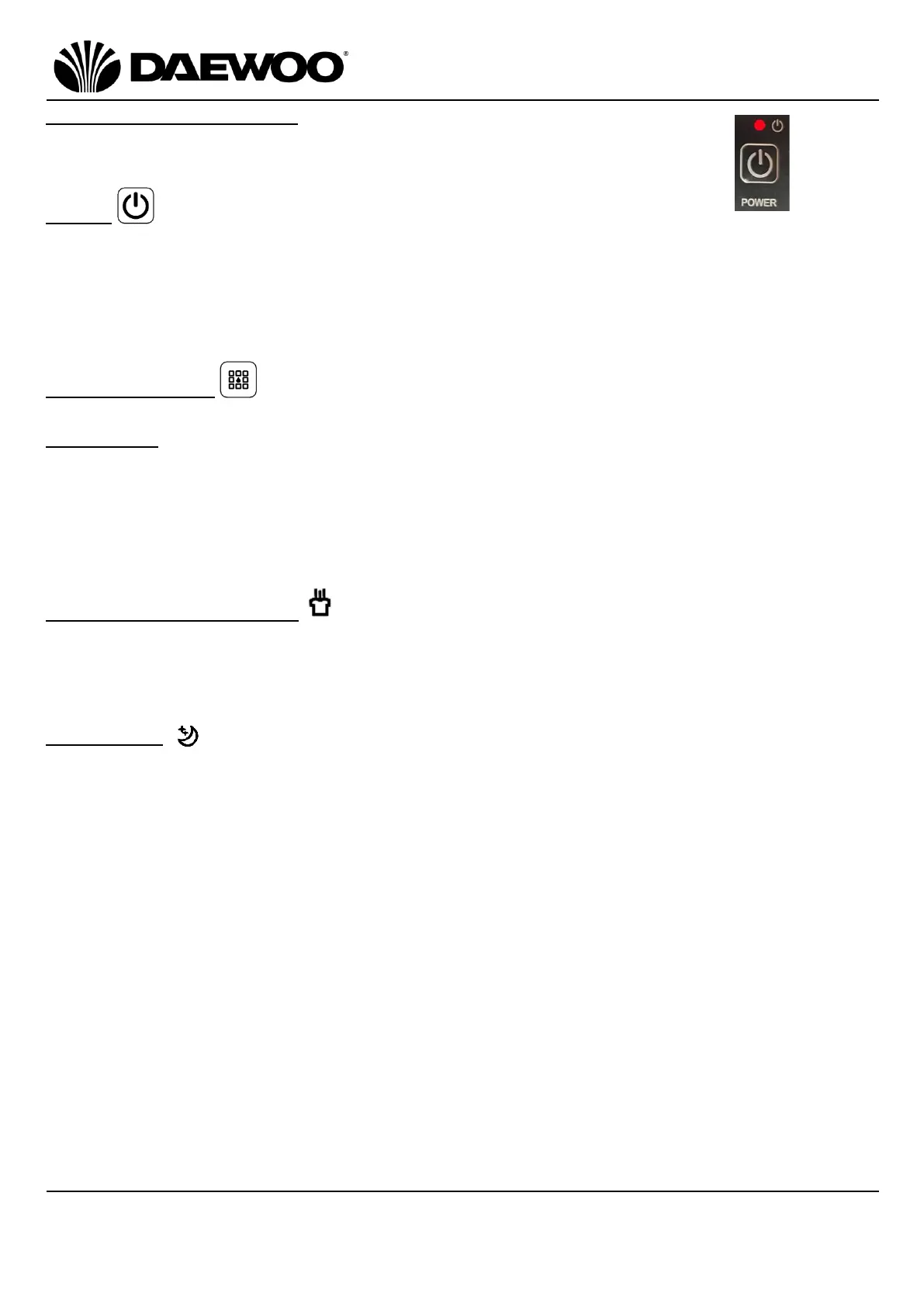
• The Power On Indicator (25) will illuminate as shown right.
Power
• Press the Power Button (18) to power the unit up.
• The Dehumidifier will power up with a high fan speed and the humidity set to
50%. The High Fan Speed Indicator (20) will illuminate.
• Press the Power Button (18) again to turn the unit off, the compressor will stop
immediately and the fan will shut down after a 30 second delay.
Selecting Modes
There are 3 modes, press the Mode Button (17) to select from:
Auto Mode
• If the ambient humidity is greater than or equal to the set humidity +3%, the fan
will run and the compressor will run after 3 seconds.
• If the ambient humidity is less than or equal to the set humidity -3%, the
compressor will stop working, the fan will stop working after a 30 second delay.
• Both the fan speed and humidity can be adjusted whilst in Auto mode.
Continuous/Drying Mode
• Press the Mode Button (17) until the Continuous/Clothes Drying Mode
Indicator (24) illuminates. In this mode, the Dehumidifier will run continuously,
however the humidity setting cannot be adjusted.
Sleep Mode
• Press the Mode Button (17) until the Sleep Mode Indicator (23) illuminates.
• The LED indicators on the Control Panel (2) will gradually dim and go out if the
unit is left idle for 10 seconds, fan speed will also automatically switch from
high speed to low speed.
• To ‘wake’ the unit up touch any button on the Control Panel (2), press the
Mode Button (17) again to exit the sleep mode.
• If the ambient humidity is less than or equal to 57%, the compressor will stop
working and the fan will shut down after 30 seconds delay.
• If the ambient humidity is greater than or equal to 63%, the fan will start
working and compressor will also start working after 3 seconds.
• Fan speed and humidity cannot be adjusted in Sleep mode.


 To Next Page
 Loading...