2. Next select how many hours you need until the unit switches ON using the
Temperature/Time Up (24) and Temperature/Time Down (23) buttons.
3. The ON time is displayed on the LED Display (15) which is the number of hours
until the unit switches ON up to a maximum of 24Hrs.
4. The LED Display (15) will flash whilst the time is being set. Once set, press the
Timer Button (21) again and the LED Display (15) will stop flashing and go dim.
5. The timer will count down until the unit switches ON after the set number of
hours have elapsed.
To deactivate the timer function, press Timer Button (21) until Timer button
does not illuminate.
Using the Timer – Timer OFF Setting
1. When the unit is ON, press the Timer Button (21), the Timer button will
illuminate to show the unit is in TIMER mode.
2. Next select how many hours you need until the unit switches OFF using the
Temperature/Time Up (24) and Temperature/Time Down (23) Buttons.
3. The OFF time is displayed on the LED Display (15) which is the number of hours
until the unit switches OFF up to a maximum of 24Hrs.
4. The LED Display (15) will flash whilst the time is being set. Once set, press the
Timer Button (21) again and the LED Display (15) will stop flashing and go dim.
5. The timer will count down until the unit switches off after the set number of
hours have elapsed.
Changing ⁰C to ⁰F
Whilst the unit is running, press and hold the Temperature/Time Up (24) and
Temperature/Time Down (23) buttons together until the LED Display (15) changes
from showing degrees Centigrade to Fahrenheit. Repeat the process to return the
display back to Centigrade.
Inserting the Batteries in the Remote Control (8)
• Slide the battery compartment cover on the rear of the Remote Control (8)
back, following the direction of the arrow on the battery compartment and
carefully remove.
• Insert 2 x 1.5V AAA batteries (not supplied) into the battery compartment
observing the polarity markings on the inside.
• Slide the battery cover back on until it clicks back in place.
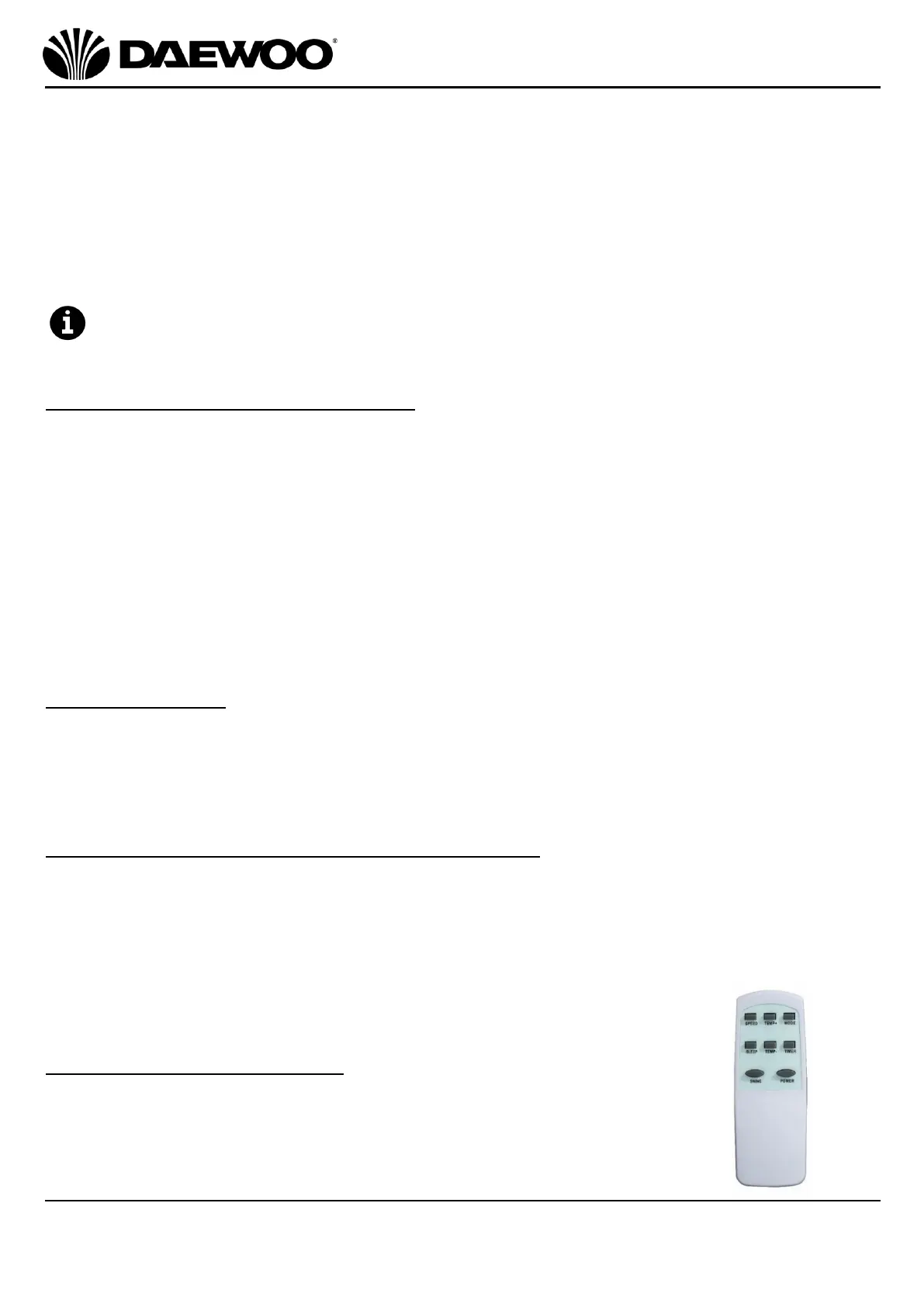
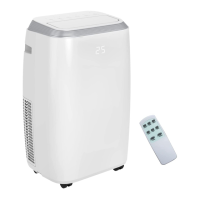
Using the Remote Control (8)
The controls on the control panel are duplicated on the remote
control to allow full functional use of the Air Conditioner.
The remote control also allows access to two other functions:


 To Next Page