32
DVD initial setting
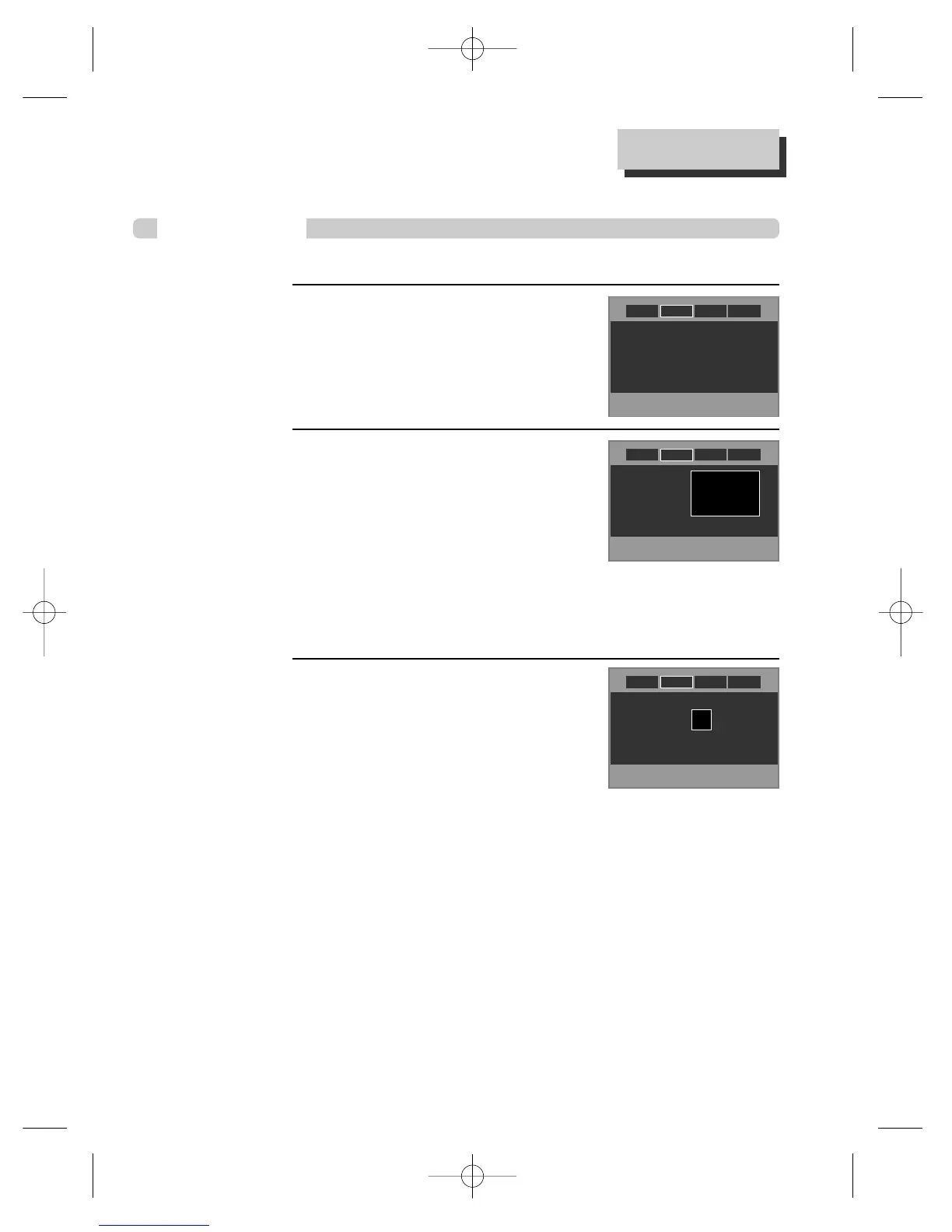
DISPLAY Setup
While STOP or RESUME STOP, press
[SETUP] button.
By pressing [œ / √] button, select “Display”.
Select “Aspect Ratio” by pressing [
……
/
††
]
button.
Press [ENTER] button to select the desired setting.
• If a user selects “Pan&Scan (4:3)”, the user can
watch only a center of the original scene of “16:9”.
• If a user selects “Letterbox (4:3)”, the user can
2
1
■ A user can set up a connected TV condition and screen.
Select “Screen Saver” by pressing
[
……
/
††
] button.
Press [ENTER] button to select the desired setting.
If bright scenes continue to be displayed in screen,
TV can be damaged. Set the screensaver to "On",
the screensaver functions automatically and DVD
logo moves continuously if the resume stop, stop,
pause, open status is maintained for about 5 minutes.
3
Aspect Ratio : Letter Box (4:3)
Screen Saver : On
Aspect Ratio : LetterBox (4:3)
Screen Saver : Off
Widescreen (16:9)
>LetterBox (4:3)
Pan & Scan (4:3)
Aspect Ratio : LetterBox (4:3)
Screen Saver : Off
Off
>On
watch the original scene of “16:9”, but the top and bottom of the screen look black
color.
• If a disc size is originally recorded in 4:3, a user cannot watch it in a wide screen though
a user sets a size as “Widescreen 16:9”.
AudioDisplay Ratings
Language
AudioDisplay Ratings
Language
AudioDisplay Ratings
Language



 To Next Page