42
Confirming the current DVD disc mode
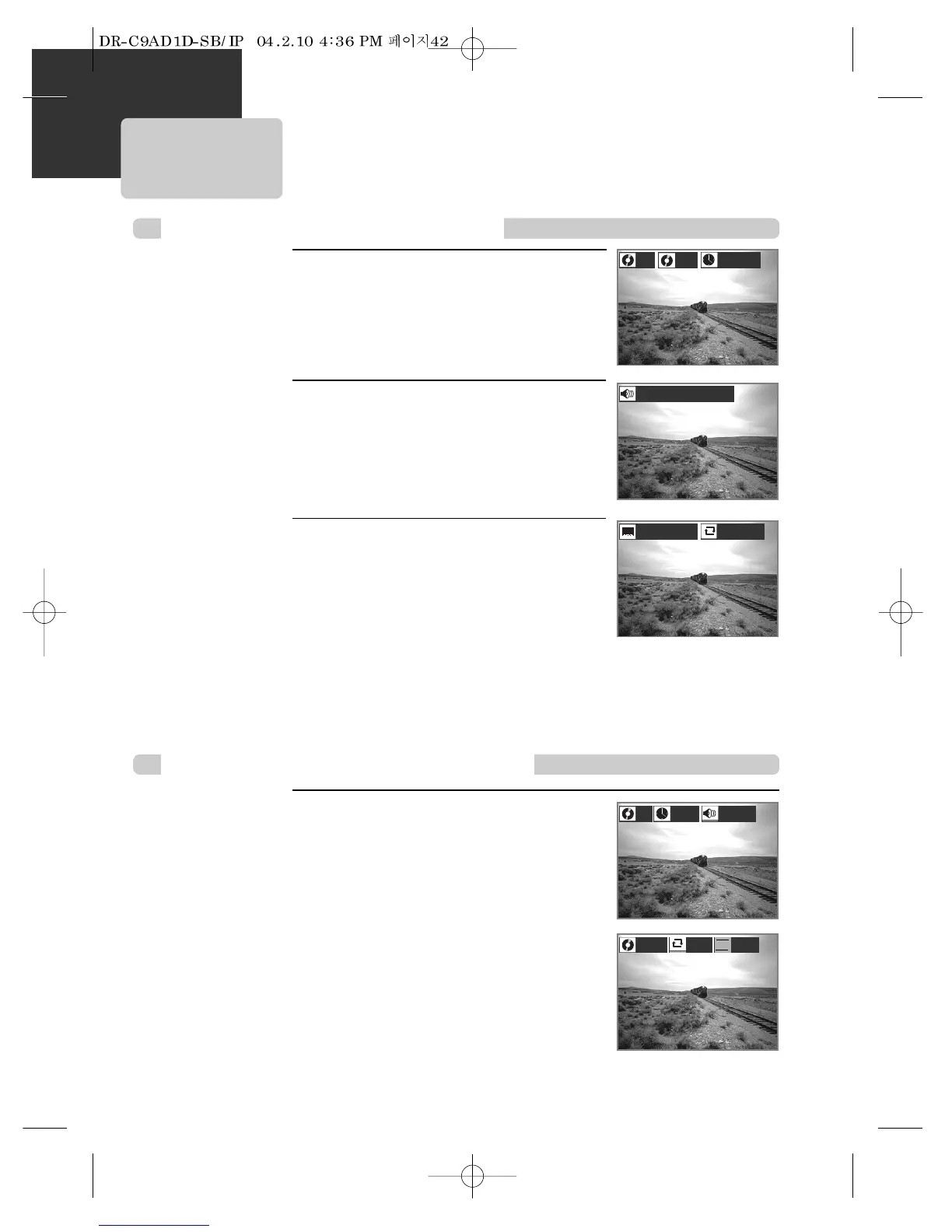
While in playing, press [DISPLAY]
button.
It shows the current title, current chapter and time
elapsed.
1
Press [DISPLAY] button again.
It shows the audio selected.
2
While in playing, press [DISPLAY] button.
It shows the current track, audio selected, repeat playback
mode and time elapsed.
To exit from Display mode, press [DISPLAY] button again.
DVD
VCD, CD
Confirming the current VCD, CD disc mode
001
00:49:29
1/3:Stereo
1/4:Dolby Digital, 5.1Ch. -English
Press [DISPLAY] button again.
It shows the subtitle selected and repeat playback
mode .
To exit from Display mode, press [DISPLAY] button
again.
3
1/4:Subtitles Off 2/4:Chapter



 To Next Page