41
DVD Operation
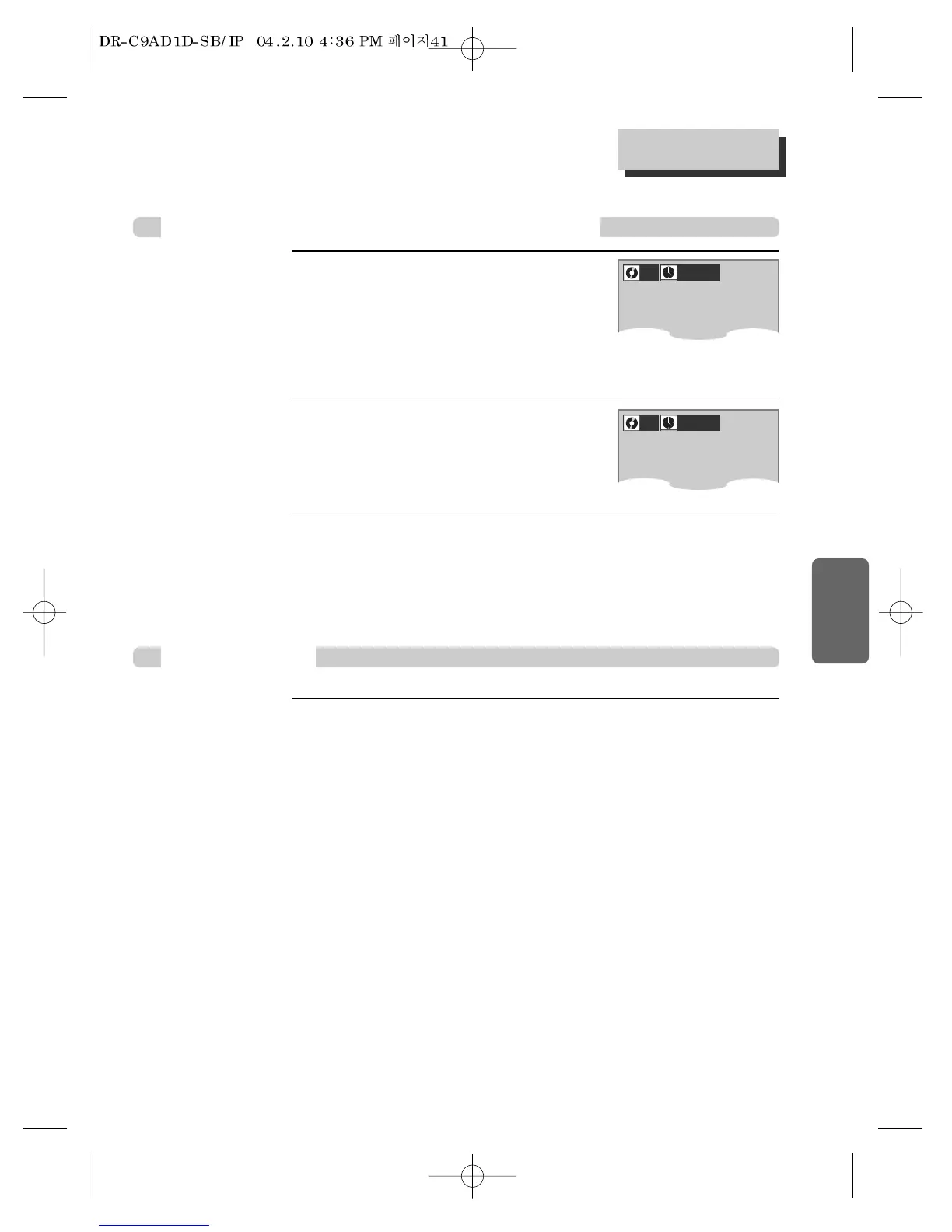
Press [SEARCH] button.
It shows the track numbers and times.
If you want to search with a track
number,
please enter the new track numebr to be searched
using the [NUMBER] or […/†] button.
1
In completing entering, please press [ENTER].
PLAY starts from the selected position.
3
If you want to search with a time,
please select the “Time window” with [œ/√]
buttons and enter the new time number to be
searched using the [NUMBER] buttons.
2
VCD, CD
Searching VCD and CD with a track number or time
VCD, CD, MP3
Quick Searching
Playing a desired scene
001
_ _
:
_ _
:
_
0
With NUMBER buttons, you can play the desired track.
Press the desired track number using number buttons, the selected track will be played back
with display of figure on the right upper screen .



 To Next Page