33
DVD Setup
AUDIO Setup
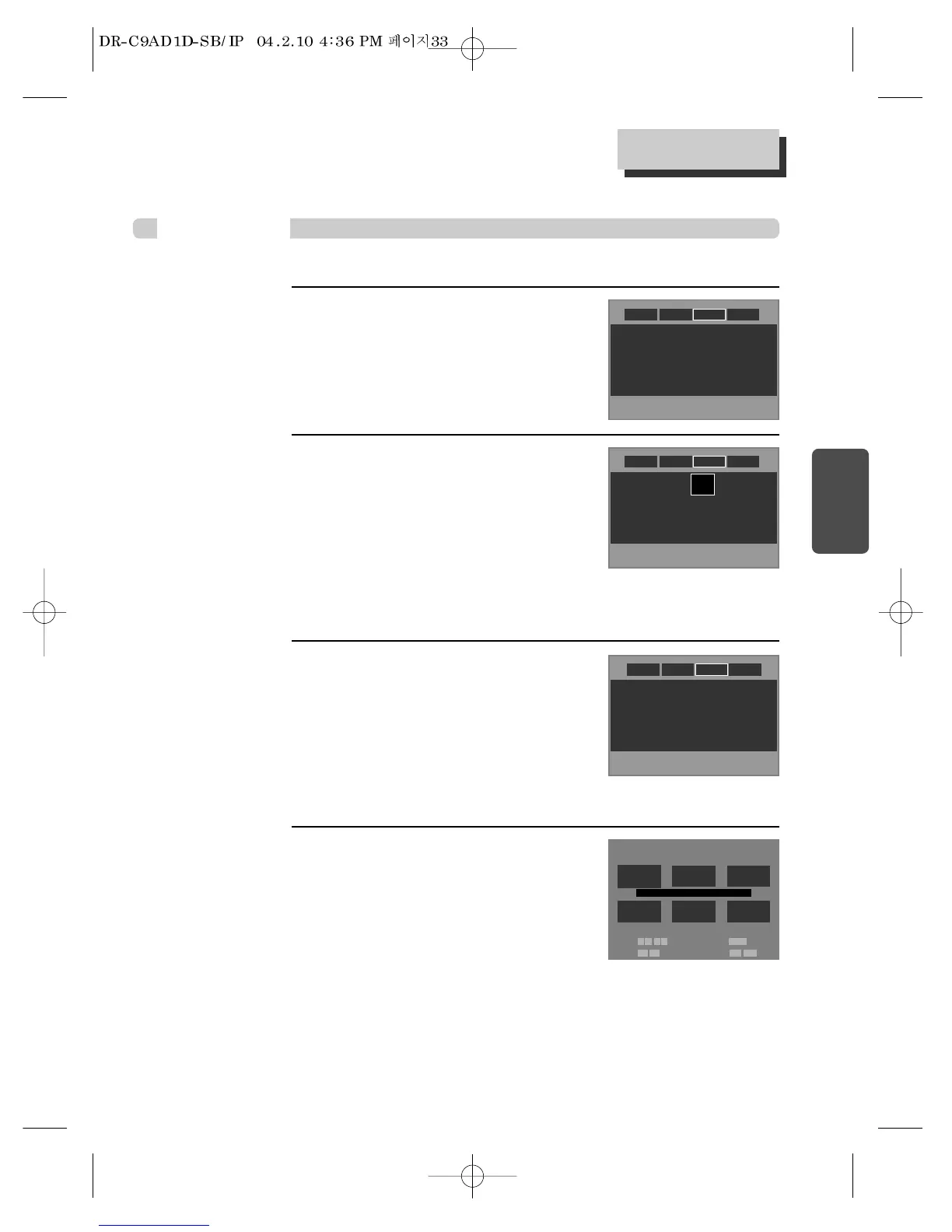
Select “Dynamic Range” by pressing
[
……
/
††
] button.
You can set following 2 values of Dynamic Range.
• Off : You can hear the same sound as recorded in
disc.
• On : You can hear loud sound softer and soft
sound louder.
2
■ A user may select audio menu according to a user’s speaker set.
While STOP or Resume STOP, press
[SETUP] button.
1
Dynamic Range
:
Off
Speaker Setup
: Configure
Dynamic Range
:
On
Speaker Setup
: Configure
Off
>On
DVD initial setting
AudioDisplay Ratings
Language
AudioDisplay Ratings
Language
Select “Speaker Setup” by pressing
[
……
/
††
] button.
Press [ENTER] button to enter into Speaker Setup
screen.
3
Dynamic Range
:
On
Speaker Setup
: Configure
AudioDisplay Ratings
Language
After selecting “Speaker” by pressing
[
……
/
††
/œ/√] button, adjust the Level by
pressing [√√/œœ ] button and adjust
the Delay by pressing [
❚œœ √√❚
]
button.
4
Speaker Setup
LEFT
Speaker Setup : Default
Type: Small
Level: 0.0 dB
Delay: 0 ms
CENTER
Type: Small
Level: 0.0 dB
Delay: 0 ms
RIGHT
L. SURR. SUB. W R.SURR.
Type: Small
Level: 0.0 dB
Delay: 0 ms
Type: Small
Level: 0.0 dB
Delay: 5 ms
Type: Small
Level: 0.0 dB
Delay: 5 ms
Type:
On
Level: 0.0 dB
Select: … † œ √ Test Tone: √ /❚ ❚
Level: œœ √√ Delay: ❚œœ √√❚



 To Next Page