45
DVD Operation
ZOOM, Multi Angle
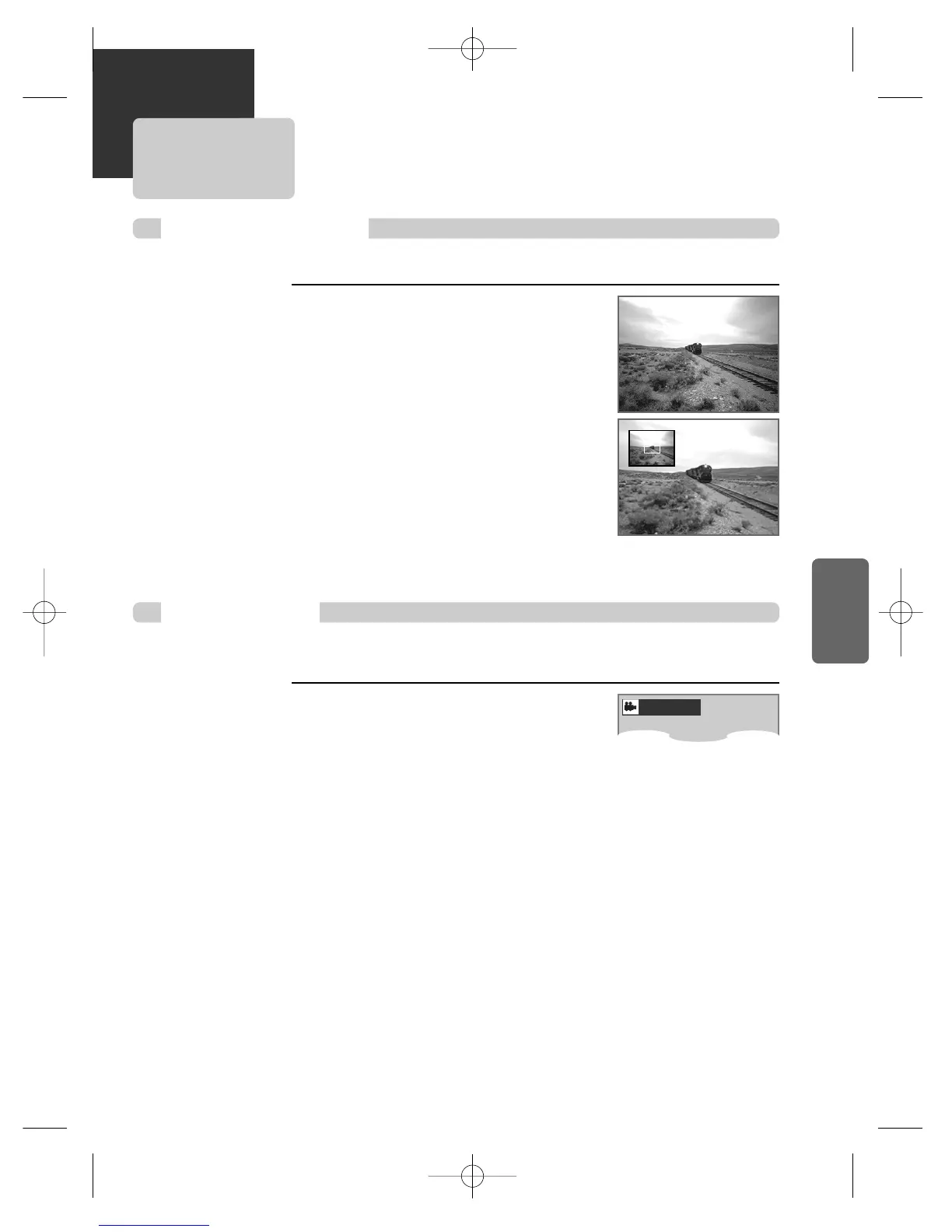
Using a zoom function
■ The user can enlarge the current screen about 2, 4 or 8 times.
While playback or still mode, press [ZOOM]
button till the right figure appears.
Every time the user presses [ZOOM] button, a zoom
magnification changes 2 times (X2) ➝ 4 times (X4) ➝ 8
times (X8) ➝ OFF ➝ 2 times (X2) ... one by one.
A base point to be enlarged is center and the point can be
changed with the operation of […†œ √] button.
■ If a disc includes multi angle information, the user can watch a screen in multi angles. The function is limited to a DVD disc
supporting multi angle information.
Press [ANGLE] button. It shows multi angle
information DVD disc includes.
The user can select each angle information by using […†]
buttons. In completing selecting, please press [ANGLE]
button one more.
DVD, VCD, VCD2.0
DVD
Different Angle
1/1:Not available



 To Next Page