62
I. Analog software upgrade.
! Software installation requires - Microsoft.NET Framework Version min. 1.1
it is available at http://www.microsoft.com/net/
1. Equipment needed for analog software upgrade.
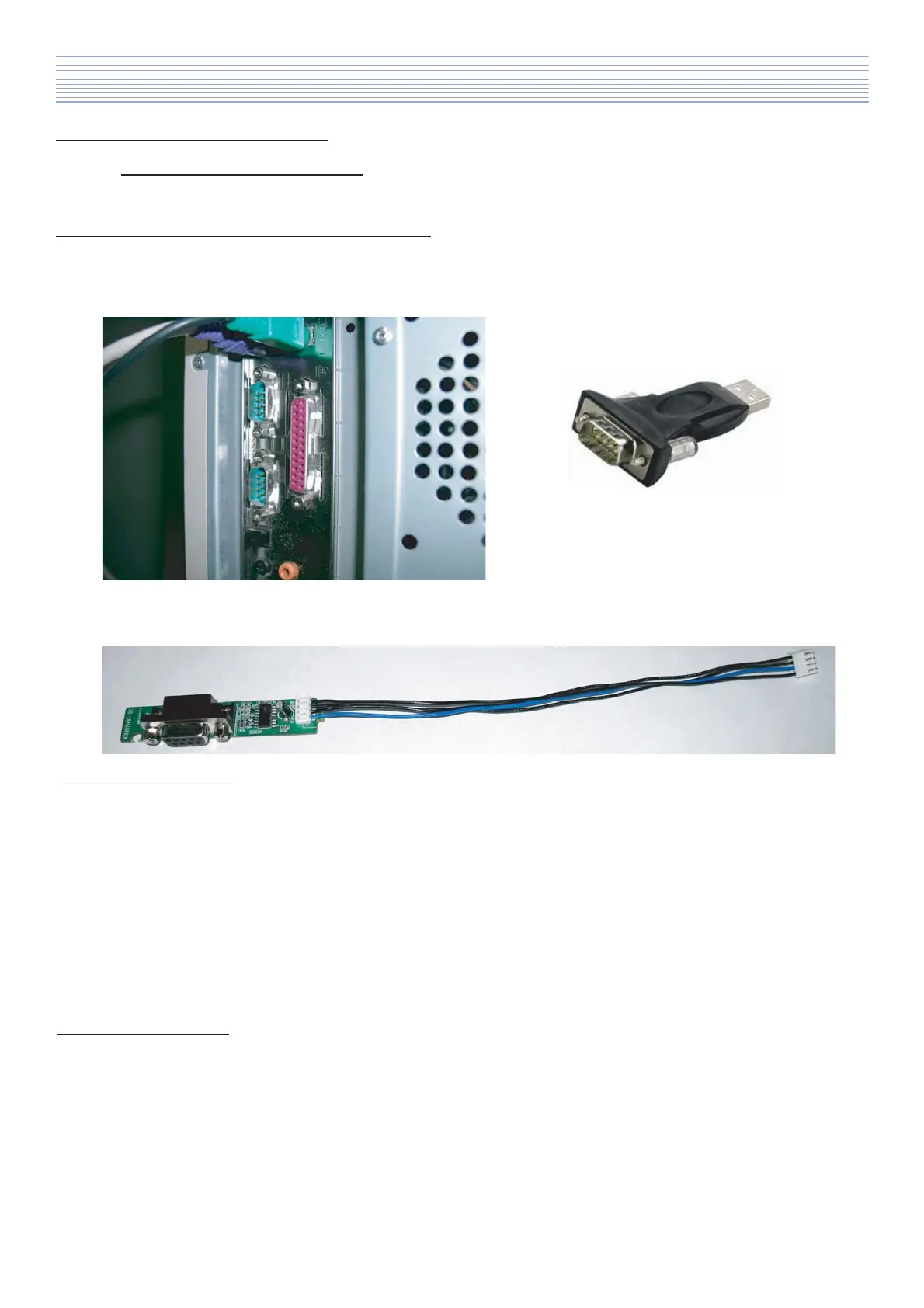
a). Computer with serial port (RS232) or with USB to RS232 converter.
Alternatively extention RS232 cable.
USB to RS232 converter
computer with serial port
b). RS232 upgrade JIG
2. Hardware installation.
Before start!
Please check if your computer has serial port, if not please install converter USB to RS232.
a). Turn off computer.
b). Connect RS232 upgrade JIG to serial port.
(If needed use extention RS232 cable.)
c). Turn On computer.
3. Software installation.
a). DAEWOO GProbe folder include three files:
- CGProbe Redistributable 5.7.0.1.exe,
- Readme.txt,
- setup.exe.
Before install DAEWOO_GProbe application please install first Microsoft .NET Framework
and then next CGProbe Redistributable 5.7.0.1 (file: CGProbe Redistributable 5.7.0.1.exe).
Next install DAEWOO GProbe application (file: setup.exe).
12. Software Install & Upgrade



 To Next Page