63
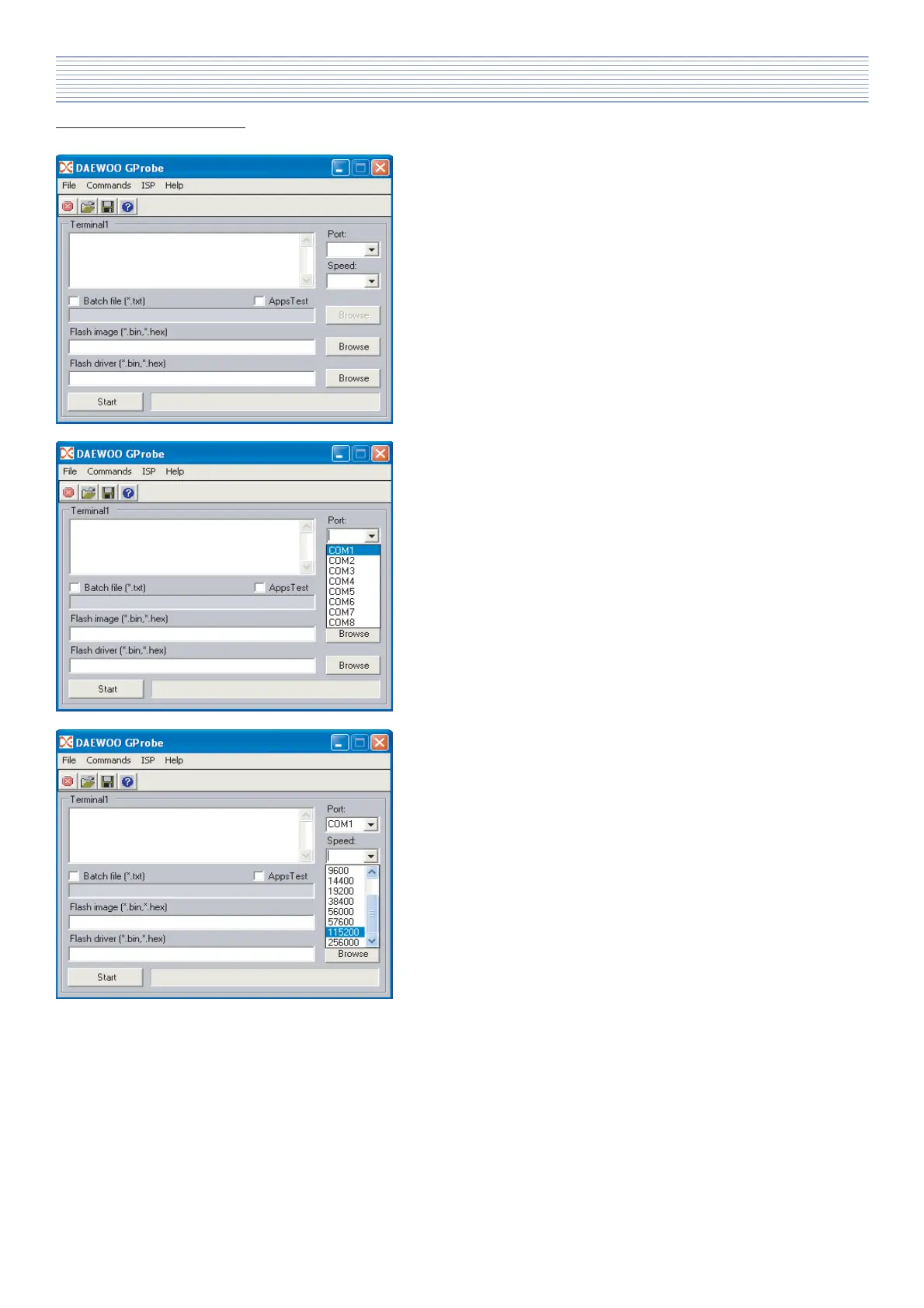
a). Start application DAEWOO GProbe
After start application you need to set Port, Speed,
AppsTest (depends on PCB state), Flash image, Flash
driver or if you switch on Batch file mode then you need
to choose Batch file.
In the next points you can find more explanations.
b). Port
Port settings depend on your hardware configuration
c). Speed
Speed should be set to option 115200.
4. Software configuration.
Software Install & Upgrade



 To Next Page