1133
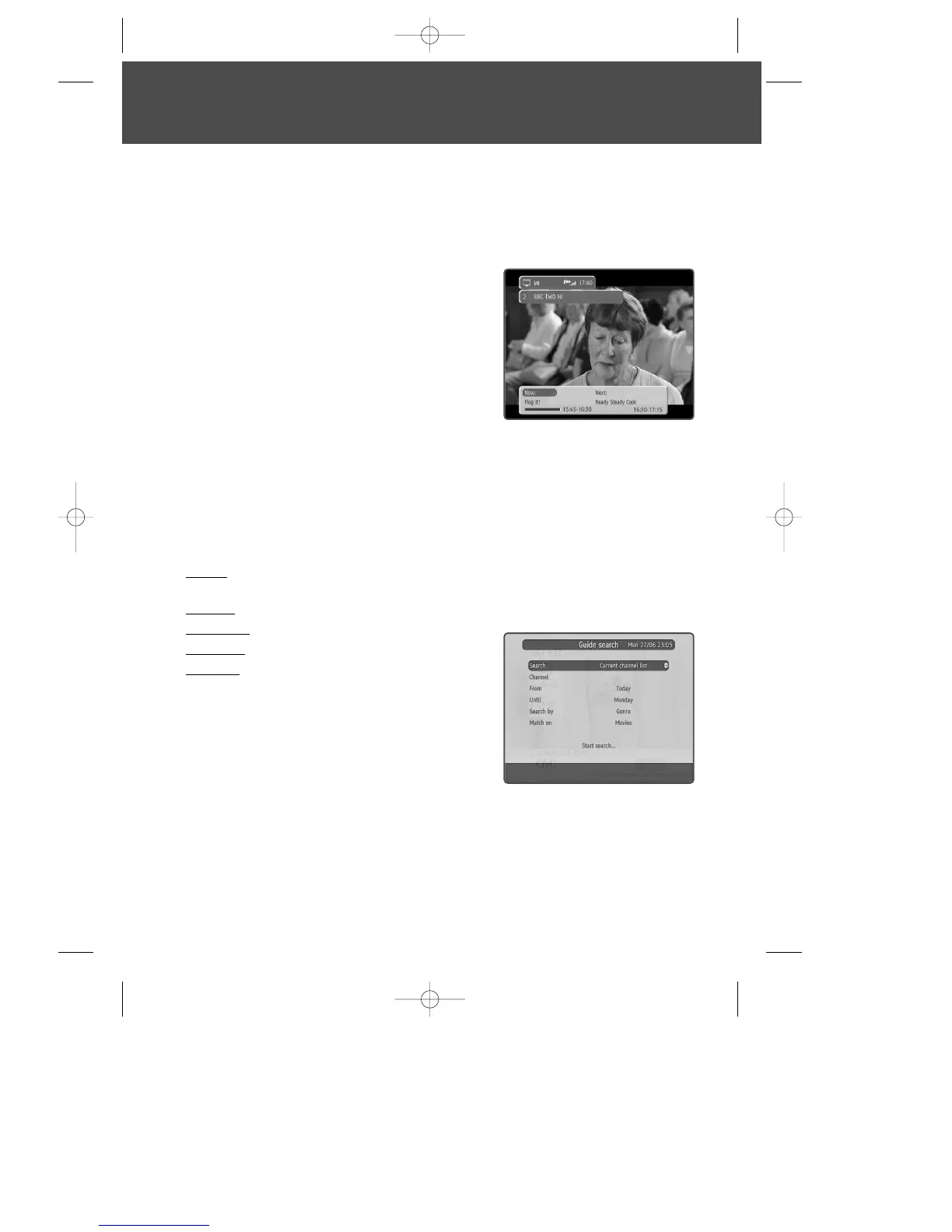
Now and Next Information
Now and Next gives you information on the current and next programmes on each
channel.
1
To open the Now/Next menu press [INFO]. This
displays information on the programme showing
Now.
2
To see more detailed information press [INFO] again.
3
To see information on the programme showing Next,
press [√].
4
To change the channel you want information for
press […/†].
5
To watch the highlighted channel press [OK].
To search
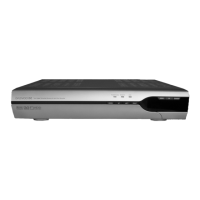
- searches and finds out the programmes which you want. You can enter this menu by
pressing the [TEXT] button in programme guide [EPG].
Search : selects target channels (current channel list, single channel, all channels, all
TV channels, all radio channels)
Channel : selects a target channel when you search single channel
From, Until : sets search time
Search by : sets search method (Genre, Name by)
Match on : sets search details (specific genre or title)
DWBP-B3L1KA-AGN 2007.10.1 4:58 PM ˘ ` 13 mac001 1200DPI 90LPI


 To Next Page