13
TO SET CLOCK
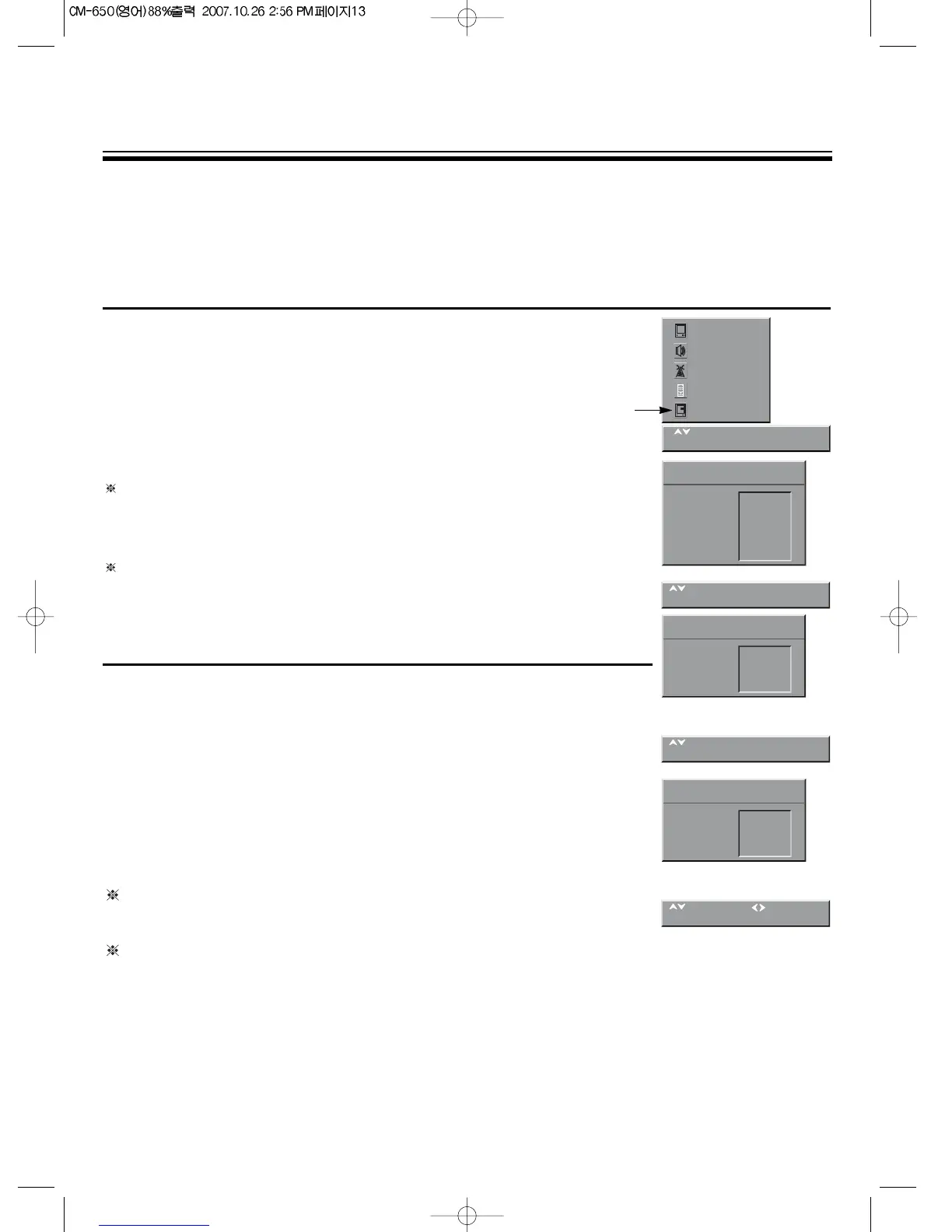
1. Press the MENU button to select the FEATURES and then to be
displayed on the right appearance.
2. Select the CLOCK with PR y
/
x buttons.
3. Press the OK buttons to activate the hour or the minute and preset the
hour or minute with the direct(0~9) buttons.
If the clock setting is not done, you can set the clock by setting the
‘CLOCK PROG.’ to the channel which has Text Signal. The present
time of Text channel will be automatically set up. If the clock setting is
done already, the clock doesn’t changed by doing like up.
Because the CLOCK PROG. is setted with text signal, non-teletext TV
model have not this function.
TO TURN ON THE TV AUTOMATICALLY(WAKE TIME)
With the CLOCK, the WAKE TIME, the WAKE PR.
Preset, the TV will automatically turn on to a preset program number at a
preset time.
Select the WAKE TIME with PR y
/
x buttons.
Press the C
/
B buttons to activate the hour or the minute and preset the
hour or the minute with the direct(0~9) buttons.
The WAKE TIME function is only selectable when the clock is set. The
TV set turns from stand-by at the WAKE TIME with the programme
entered on the WAKE PROG. line. Put the TV set on stand-by with the
remote control.
If there is no operation of the remote control for 3 hours after turned on by the
WAKE TIME function, the TV will automatically be turned off after about 3 hours.
PRAY TIME
You can set the “PRAY TIME” if you set the OSD Language to Arabic or Persian.When became the selected
pray time, the Quaran will be displayed(“PRAY TIME” Mode).
If you want to release the “PRAY TIME” mode, please press the YELLOW button of remote controller.
Select the pray time with PR y/x buttons, press the C/B buttons to enter the sub-menu.
If the present time is set, select pray time with direct key(0~9).
You can set the clock in this mode, unless the present time is set.
You can set “PRAY TIME” each 5 times a day.(dawn, noon, evening, dusk, night).



 To Next Page