12
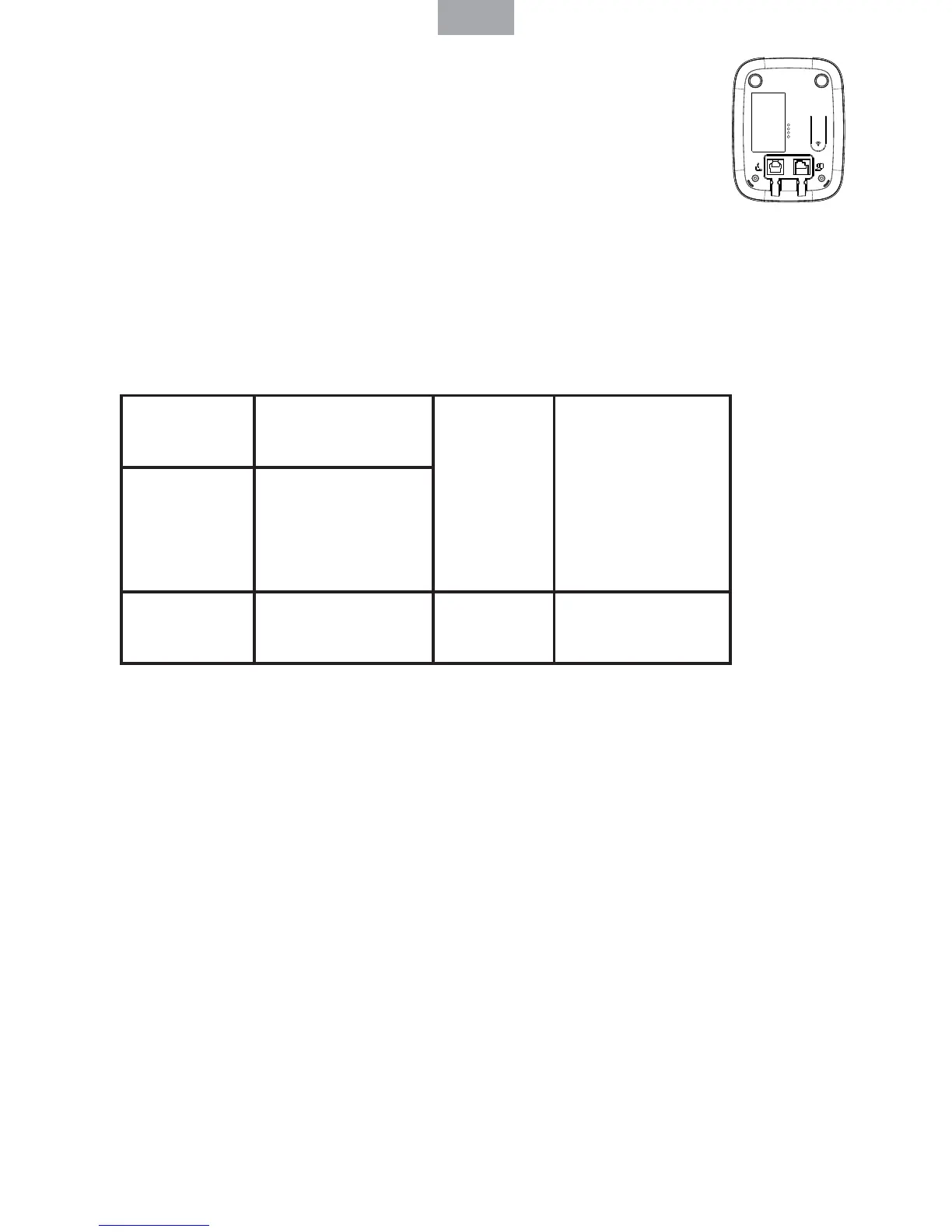
2. 3. Overview of the base
A Page
Press to nd misplaced handsets registered to the base. Use to
register handsets to the base.
2. 4. Navigating the menus
When the handset is switched on and in standby:
1. Press Menu to open the main menu. Use Up or Down to see the options.
2. Press Menu to select an option. To return to the previous menu level, press
Phonebook. To exit the menu and return to standby, press Endcall.
If no buttons are pressed for 20 seconds, it returns to standby.
2. 5. Menu map
3. Using the phone
3. 1. Switch on/o : Press and hold End Call to switch handset on or o .
3.2 . Calls
- Make a call: Press Talk. When there is dial tone, dial the number.
- Preparatory dialing: Dial the number rst. Press Talk to dial.
- End a call: Press End Call, or place the handset on the base.
- Receive a call: When a call is received, the phone rings and EXT icon ashes on
the display. Press Talk to answer, or lift up the handset.
3. 3. Adjust the earpiece volume: During a call, press Up or Down to increase or
decrease the volume.
3. 4. Mute: During a call, press Menu => MUTE and the caller cannot hear. Press
Menu again to resume the call.
3. 5. Intercom Make an internal call: Internal calls can be made between two
handsets, press Int followed by the number (1-5) of the handset.
Transfer a call: To transfer an external call to another handset registered to the
base. Press Int followed by the number (1-5) of the handset. When the other
handset answers, press End Call to complete the transfer.
ENG
PHONEBOOK - ADD ENTRY
- MODIFY ENTRY
- DELETE ENTRY
HANDSET - BEEP
- INT RING VOL
- EXT RING VOL
- INT MELODY
- EXT MELODY
- AUTO ANSWER
- NAME
- LANGUAGE
SETUP - DEL HANDSET
- PIN CODE
- DIAL MODE
- RECALL
- DEFAULT
- ECO MODE
DATE-TIME - DATE SET
- CLOCK SET
- ALARM SET
REGISTER - SELECT BASE
- REG BASE



 To Next Page