10
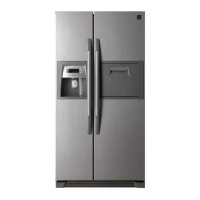
How to use the Dispenser
(For Dispenser models)
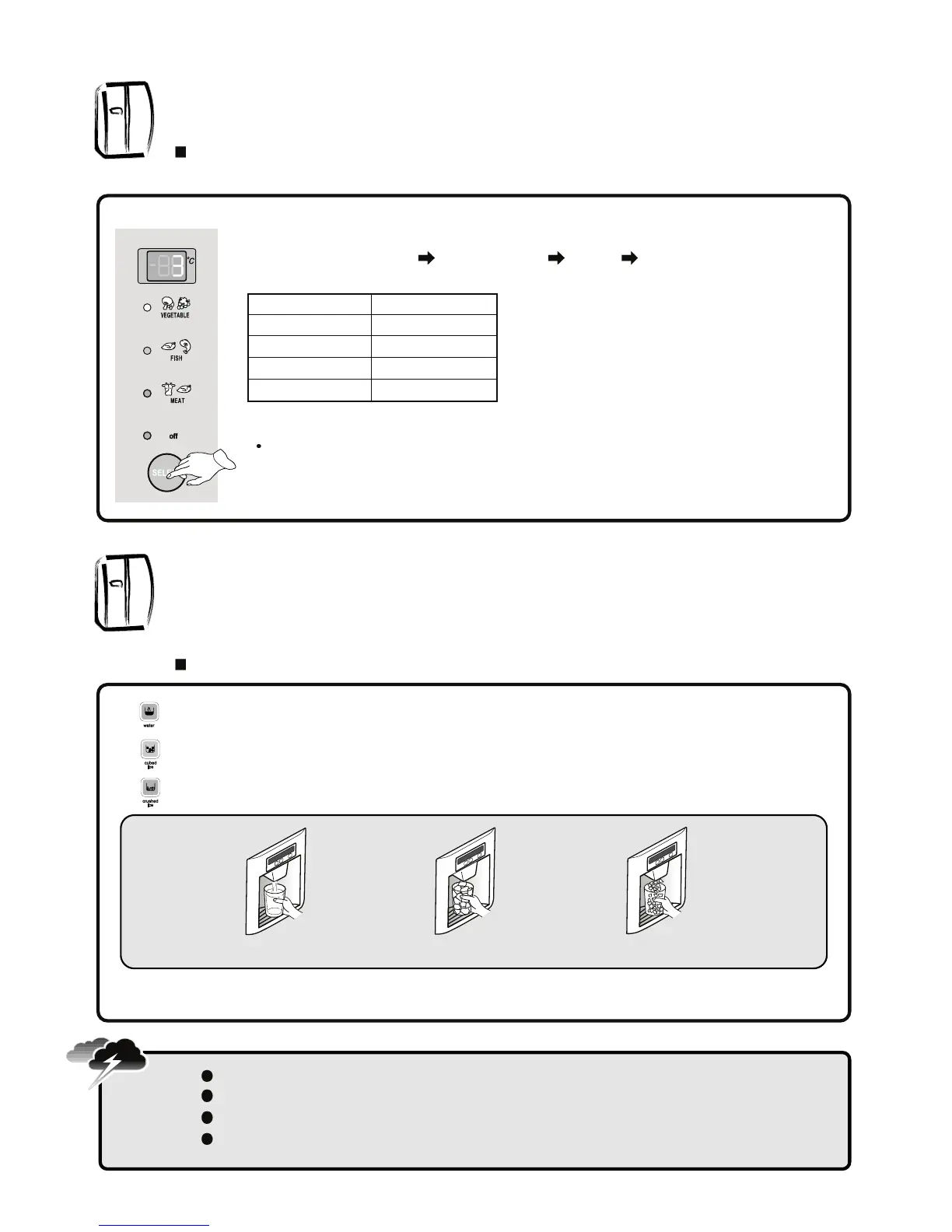
Select WATER / CUBED ICE / CRUSHED ICE and press the cup on the PUSH pad for your convenience.
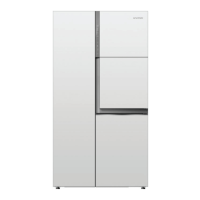
Magic cool zone (Option)
Magic cool zone Contol graphic and Control function
Press the WATER/ICE button to select WATER and ICON lights up to show it is on.
Press the WATER/ICE button to select CUBED ICE and ICON turns on.
Press the WATER/ICE button to select CRUSHED ICE and ICON turns on.
WATER
CUBED ICE
CRUSHED ICE
❈ When you get [CUBED ICE] or [CRUSHED ICE], remove the cup from the pad when if it is half full.
( If you don’t, the remaining ICES will make the cup overflow or the dispenser outlet become blocked.)
Avoid using thin fragile cups or crystal glasses when taking (crushed) icecubes.
For your safety, never insert your fingers or other tools into the dispenser outlet.
If you find the (crushed/cubed) ices discolored, stop using the dispenser and call the service agent.
1 hour after you get [CUBED ICE] or [CRUSHED ICE], the selection mode returns to [WATER]
automatically.
Caution
When you plug in first, “OFF” LED is ON.
You can choose “OFF” “VEGETABLE” “FISH” “MEAT” by pushing the
“SELECT” button.
The LEDs and temperatures indicate what you have selected.
Displayed temperature means a target setting value, so it may differ from the actual
room temperature.
Step
OFF
VEGETABLE
FISH
MEAT
Display
-
3 ºC
-1 ºC
-3 ºC



 To Next Page