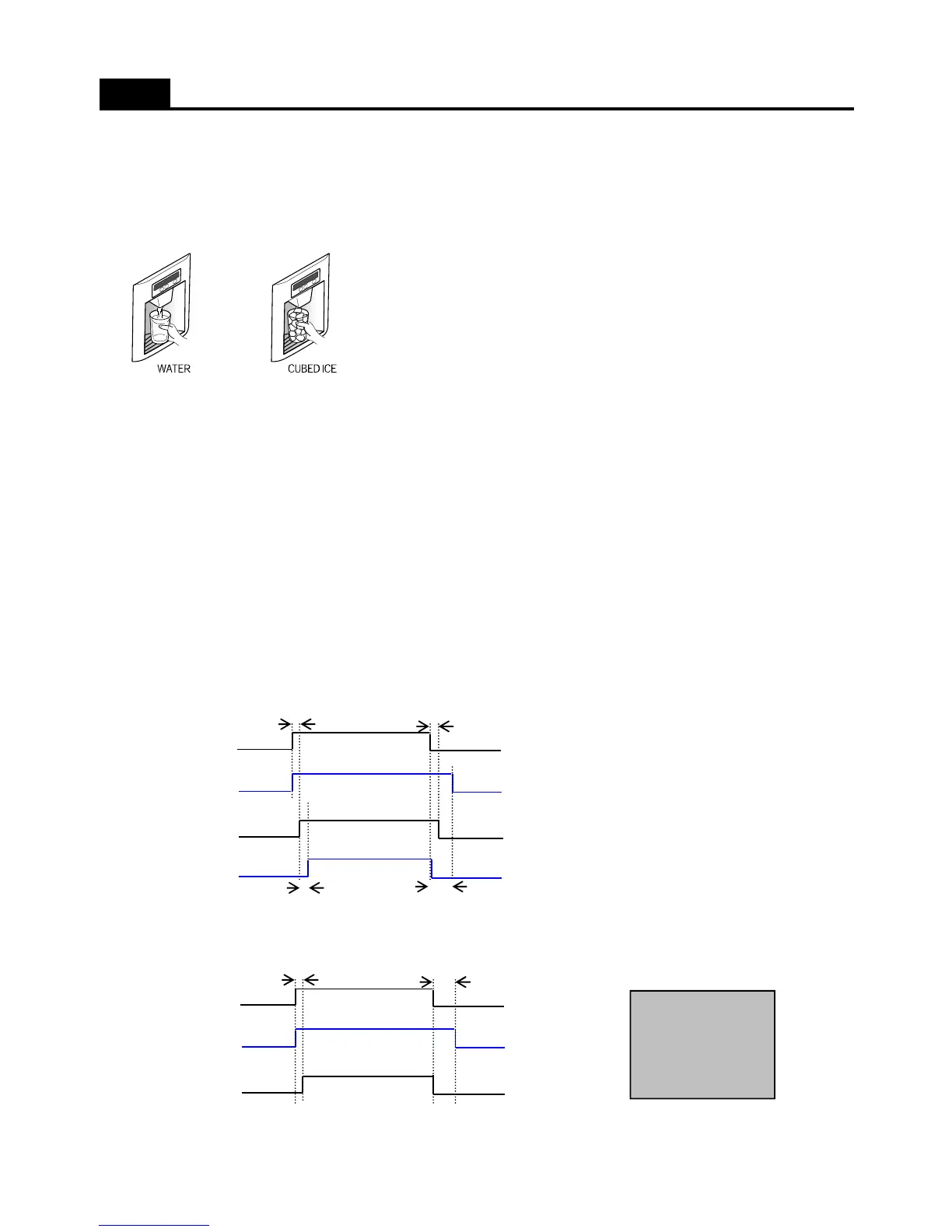
1. Water / Crushed Ice / Cubed Ice Select button
1) Default mode is Water
The selection order is Water - Cubed Ice - Water.
2) In each mode the selected is active by the dispenser button press.
2. Icemaker Lock button : It is active after pushing button
3. Display
1) Water icon turns ON as default mode.
2) The icon of each mode turns ON by pressing its button.
( If display switch makes error during operation of a mode, its icon is OFF.)
FUNCTIONS ( Dispenser Control_Dispenser Model )
3) When Icemaker Lock button is ON, the Lock LED turns ON and Cubed Ice is OFF.
4) When no operation in Cubed / Crushed Ice mode for 1 hour, the mode change into Water mode automatically.
4. Control Flow and Timing Chart
1) Cubed Ice
2) Water Mode
Dispenser
switch
Dispenser
Lamp
Dispenser
Flap
Gear Motor
A
A
B
C
Dispenser
switch
Dispenser
Lamp
A C
Water
Swtich Valve
< Delay Time >
A = 500msec
B = 2.0Sec
C = 5.0Sec
23



 To Next Page