User’s Manual
160
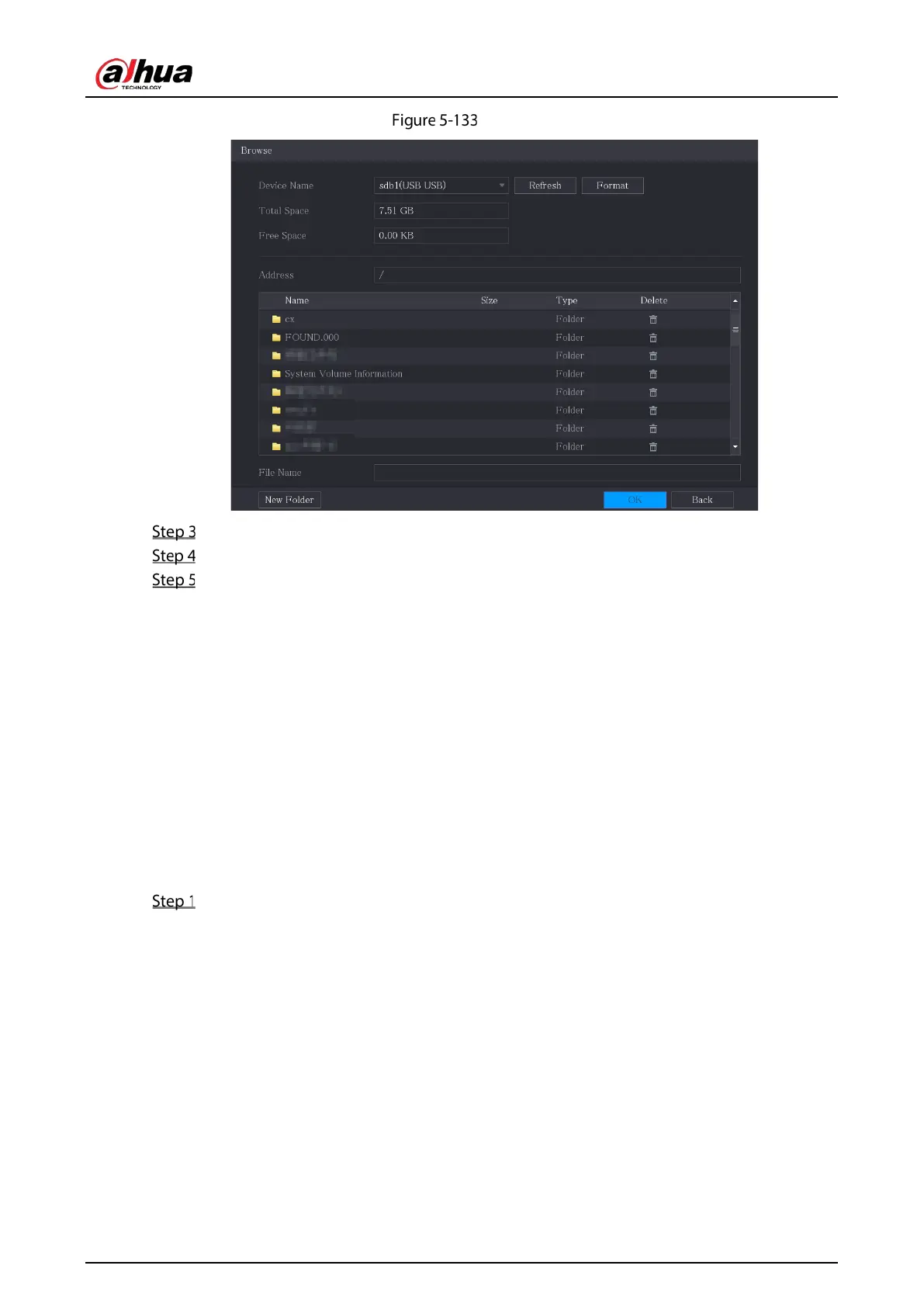
Browse
Select the upgrade audio file (.bin).
Click OK to return to the Siren page.
Click Upgrade to upgrade the alarm audio file of the camera.
5.10.4 Video Detection
Video detection adopts computer vision and image processing technology. The technology analyzes
the video images to detect the obvious changes such as moving objects and blurriness. The system
activates alarms when such changes are detected.
5.10.4.1 Configuring Motion Detection Settings
When the moving object appears and moves fast enough to reach the preset sensitivity value, the
system activates the alarm.
Select Main Menu > ALARM > Video Detection > Motion Detection.


 To Next Page
 Loading...
