User’s Manual
323
End Address
Input the end IP address of trusted hosts.
When Type is IP Segment, it can be configured
Step 4 Click Apply to complete the settings.
5.19.4 CA Certificate
You can create or import device certificate and install trusted CA Certificate.
5.19.4.1 Device Certificate
Create Certificate
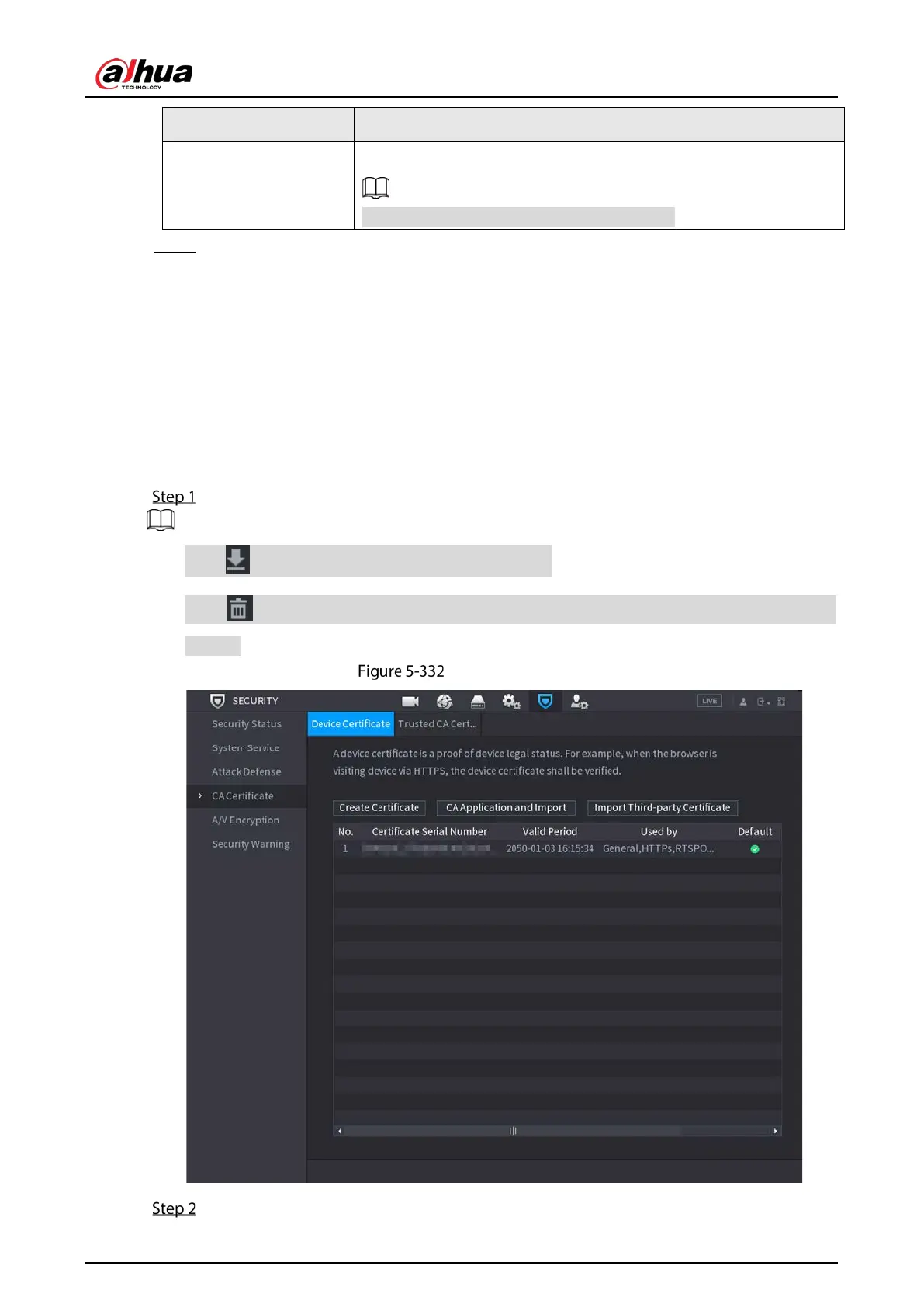
Select Main Menu > SECURITY > CA Certificate > Device Certificate.
Click to download the certificate to local storage.
Click to delete the certificate. The deleted certificate cannot be restored, proceed with
caution.
Device certificate
Configure parameters.


 To Next Page
 Loading...
