User’s Manual
328
Certificate
Management
For details about certificate management, see
"
5.19.4.1 Device
Certificate".
Step 3 Click Apply to complete the settings.
5.19.6 Security Warning
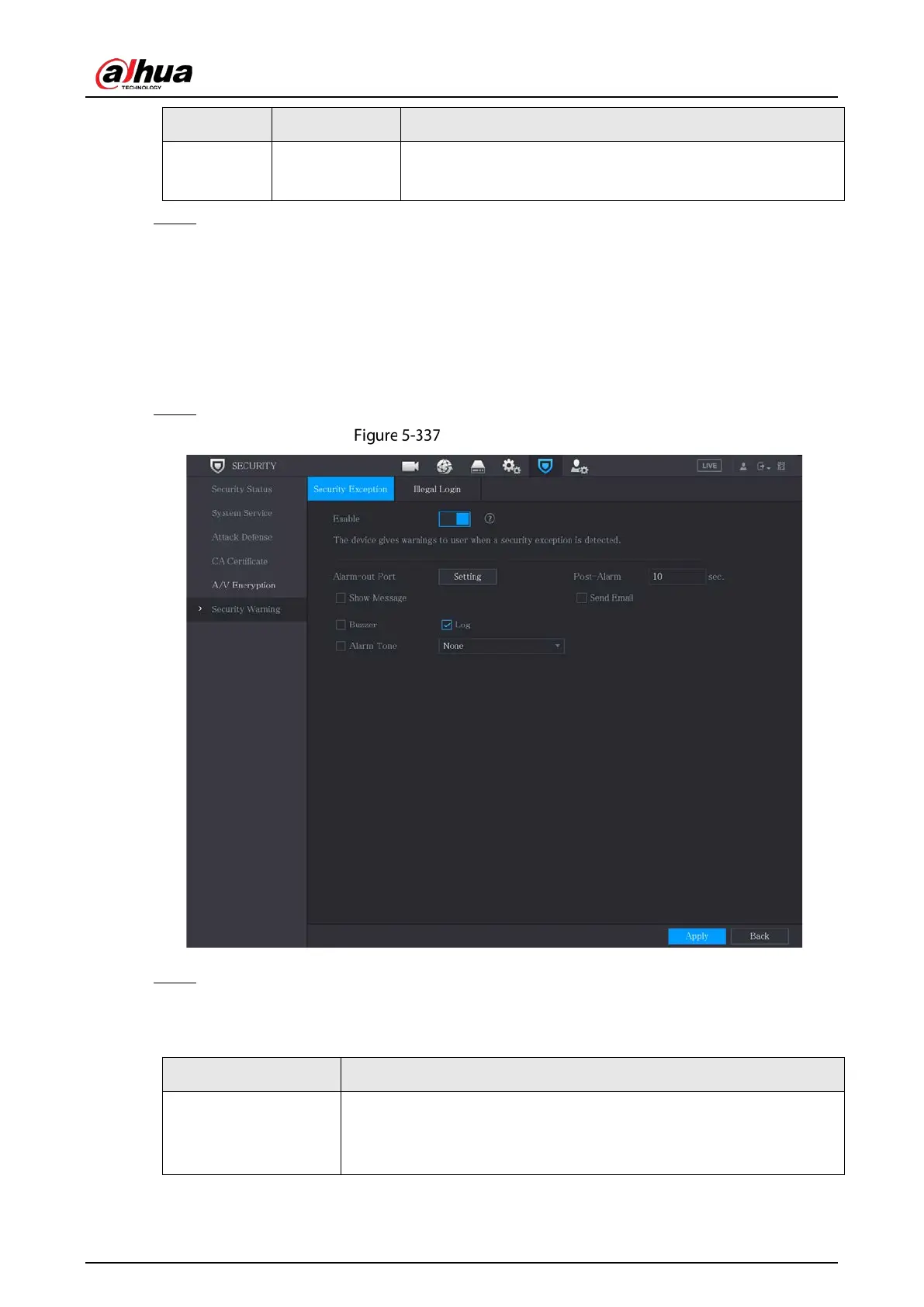
5.19.6.1 Security Exception
Step 1 Select Main Menu > SECURITY > Security Warning > Security Exception.
Security exception
Step 2 Select
Enable and configure parameters.
Table 5-70 Security exception parameters
Alarm-out Port
The alarm device (such as lights, sirens, etc.) is connected to the alarm
output port. When an alarm occurs, the NVR device transmits the alarm
information to the alarm device.



 To Next Page
 Loading...