User’s Manual
133
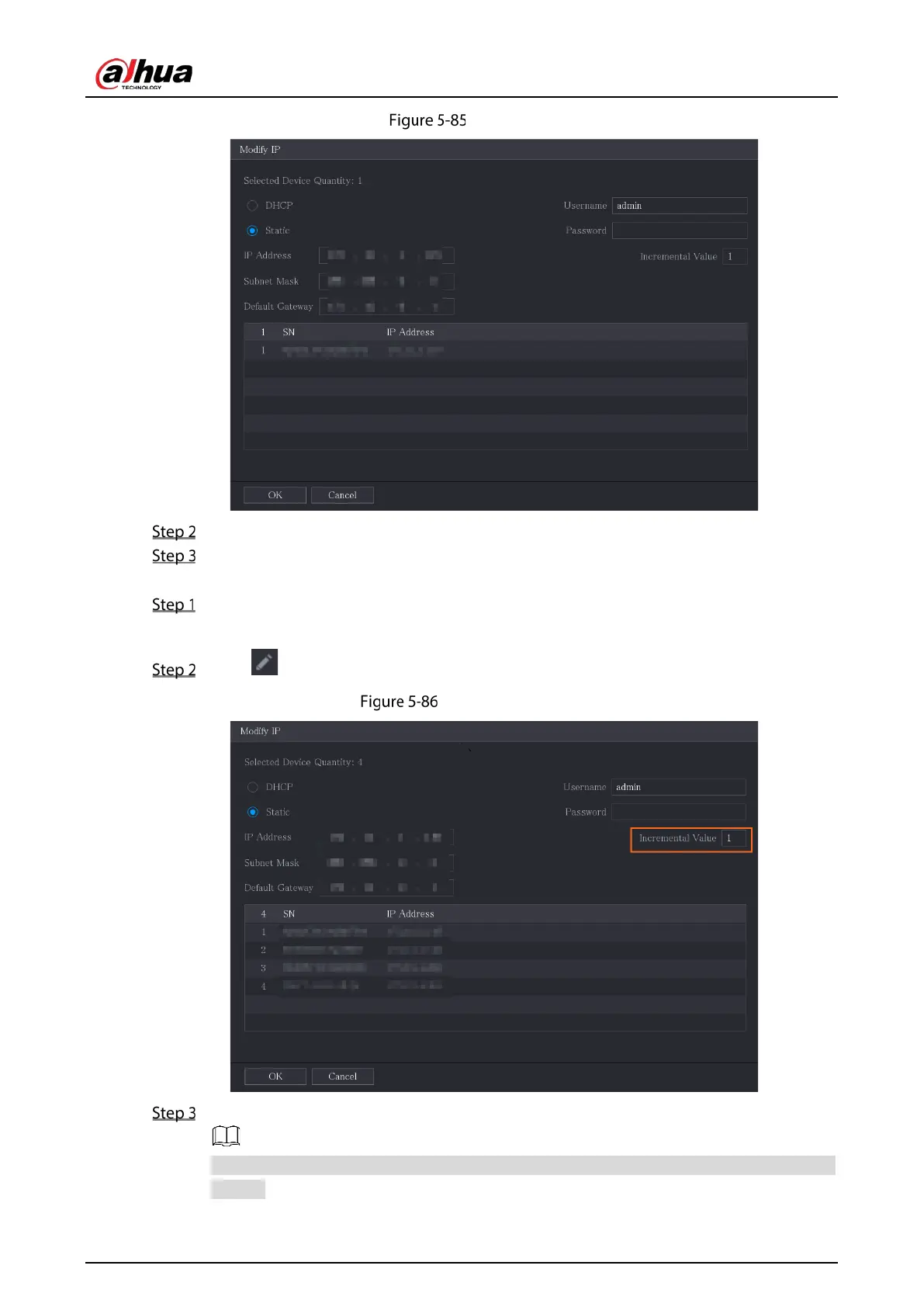
Modify IP
Configure the settings for IP address, subnet mask, default gateway, user name, and password.
Click OK.
To modify IP address in batches, do the following:
In the Searched Device list area, select the devices that you want to modify IP address in
batches.
Click .
Incremental value
Set incremental value.
The system will add the incremental value to the fourth segment of IP addresses of selected
devices.


 To Next Page
 Loading...

